


Title Slide
Bold, centered typography with minimal elements. Perfect for opening your presentation with impact.
Design Reference
A curated collection of slide design concepts, color palettes, typography choices, and narrative structures for impactful presentations.
01
The foundation of every great presentation. Choose layouts that serve your content and guide your audience through your narrative.
Bold, centered typography with minimal elements. Perfect for opening your presentation with impact.
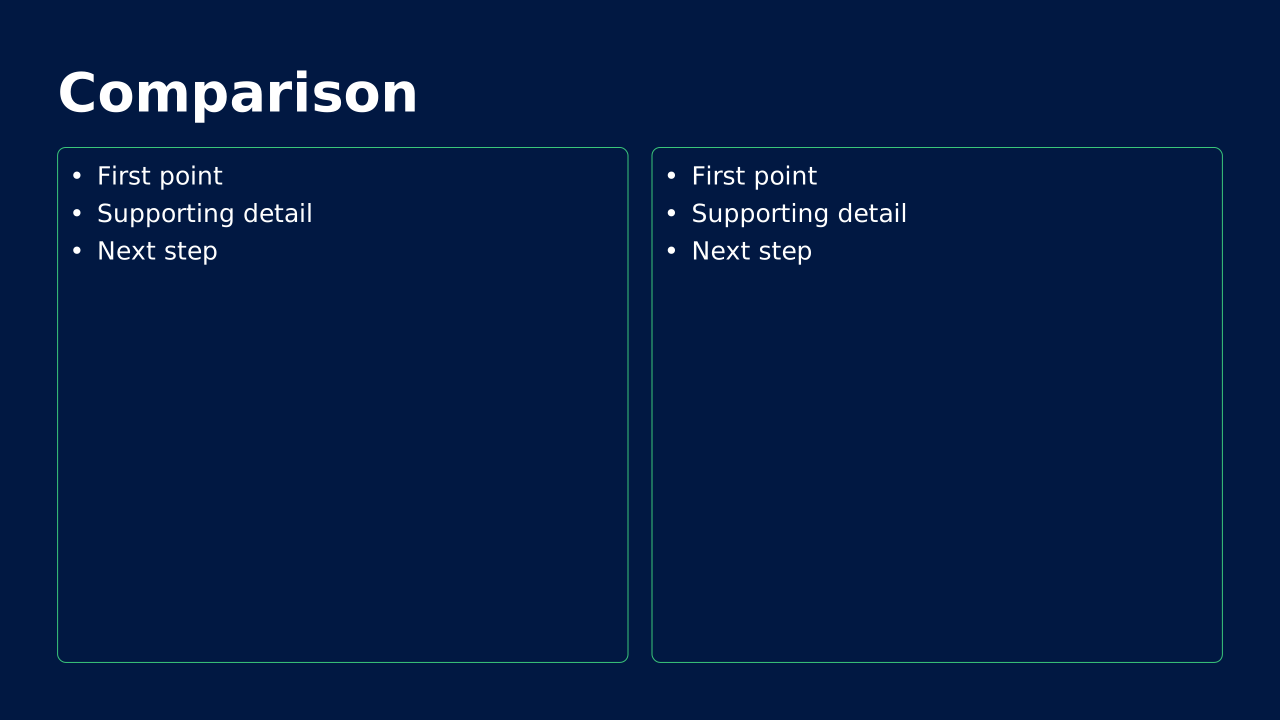
Content split into two equal columns for comparing concepts or showing related information side by side.
Full-bleed imagery with overlaid text. Ideal for emotional storytelling and visual impact.
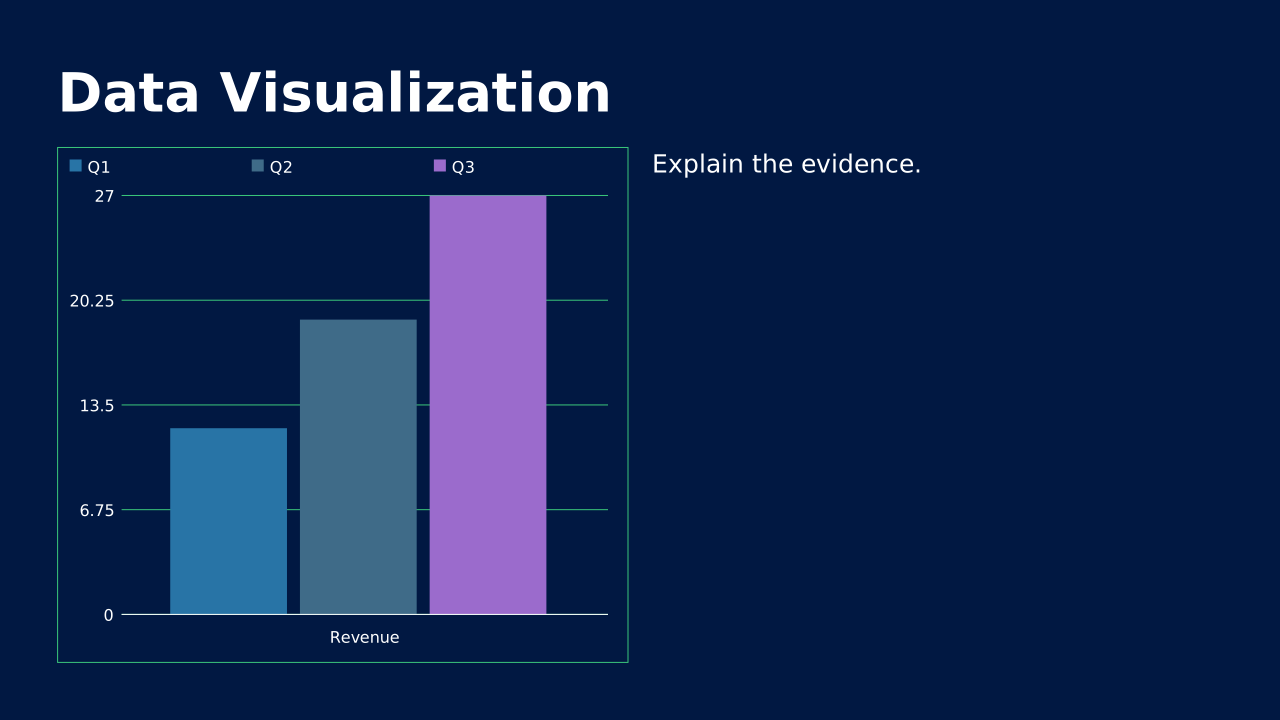
Clean charts and graphs with supporting text. Present complex data in digestible formats.
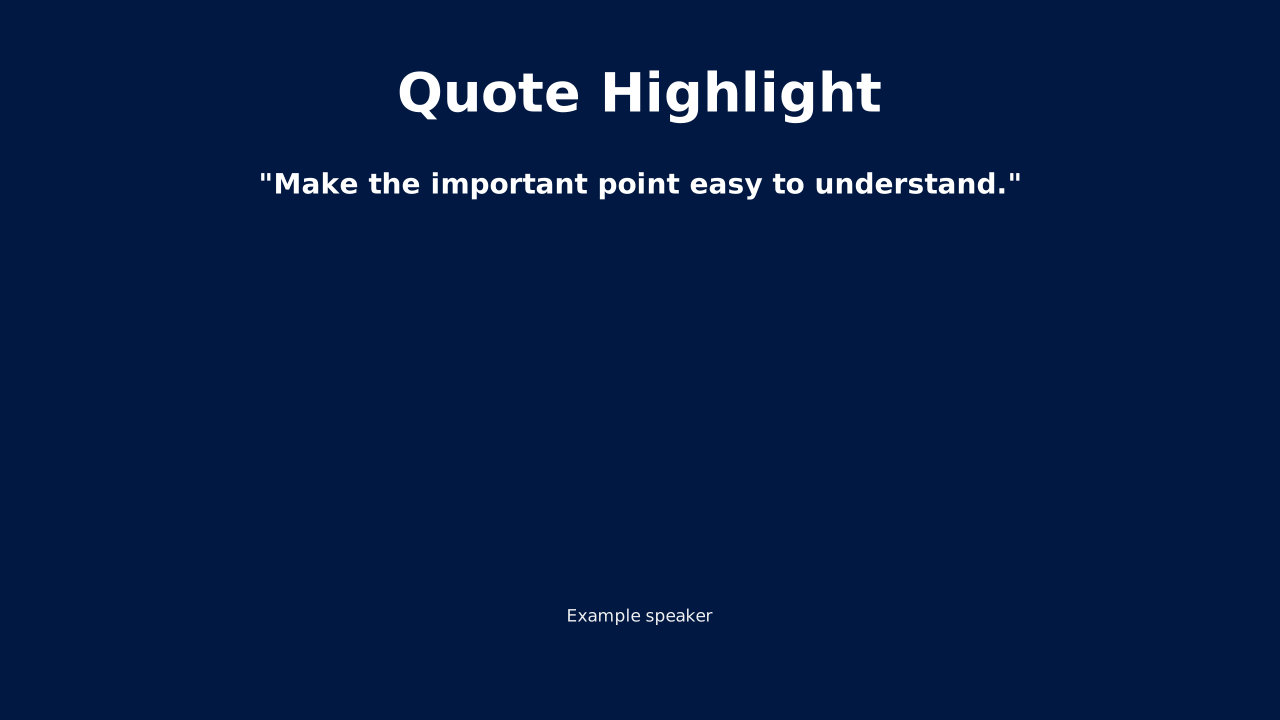
Large typography for testimonials or key statements. Add authority and emphasis to your message.
Simple transitional slides that signal a new topic. Help your audience follow the presentation flow.
02
Color sets the emotional tone of your presentation. Choose palettes that align with your message and resonate with your audience.
Professional and reliable. Ideal for business and finance presentations.
Annual reports, investor decks, corporate communications
Bold and dynamic. Perfect for marketing and creative pitches.
Product launches, brand campaigns, creative briefs
Fresh and organic. Great for sustainability and wellness topics.
ESG reports, health topics, environmental initiatives
Sophisticated and timeless. Works across all professional contexts.
Executive summaries, thought leadership, strategy decks
Modern and forward-thinking. Suited for tech and innovation.
Tech pitches, innovation showcases, digital transformation
Approachable and friendly. Excellent for community and HR content.
Onboarding, culture decks, community presentations
03
Typography shapes how your message is perceived. The right font pairing can elevate your content from ordinary to memorable.
Source Sans Pro — The quick brown fox jumps over the lazy dog.
Elegant serif headlines with clean sans-serif body text. Perfect for formal and sophisticated presentations.
Open Sans — The quick brown fox jumps over the lazy dog.
Geometric sans-serif pairing that feels contemporary yet approachable. Great for corporate and tech decks.
Roboto — The quick brown fox jumps over the lazy dog.
High-contrast condensed headers for maximum visual impact. Ideal for marketing and sales presentations.
Merriweather Sans — The quick brown fox jumps over the lazy dog.
Friendly serif with humanist sans-serif. Excellent for narrative-driven and educational content.
Use no more than 3 type sizes per slide to maintain clear visual hierarchy.
Body text should be at least 24pt for readability in most presentation settings.
Ensure sufficient contrast between text and background for accessibility.
Stick to 2 fonts maximum—one for headings, one for body text.
04
The backdrop sets the stage for your content. Choose backgrounds that enhance readability and reinforce your visual identity.
Clean and distraction-free. Let your content take center stage.
Data-heavy slides, text content, formal presentations
Adds depth without overwhelming. Creates visual interest while maintaining professionalism.
Title slides, section dividers, key messages
Modern and dynamic. Subtle patterns that add texture without competing with content.
Tech presentations, innovation topics, creative briefs
Emotional and immersive. High-quality imagery that reinforces your message.
Storytelling, brand presentations, impact moments
Contemporary and artistic. Organic forms that feel fresh and creative.
Design presentations, creative pitches, modern brands
Subtle paper or fabric textures that add warmth and tactile quality.
Premium presentations, luxury brands, editorial content
05
Great presentations tell stories. Choose a narrative framework that guides your audience from beginning to end with purpose and clarity.
Classic persuasion structure. Start with a compelling problem, then present your solution as the answer.
Best for: Sales pitches, proposals, product launches
Example: Begin with a relatable pain point, quantify the cost of inaction, introduce your solution, demonstrate results, and close with next steps.
Storytelling framework that takes the audience on an emotional journey of change and growth.
Best for: Case studies, brand stories, change management
Example: Show where things started, the obstacle faced, the path taken, the lessons learned, and the successful outcome.
Concise framework that connects information to meaning to action. Perfect for executive audiences.
Best for: Executive briefings, status updates, research findings
Example: Present the data, explain why it matters, then outline the recommended actions or decisions needed.
McKinsey-style structure that builds tension before delivering insights.
Best for: Strategy presentations, consulting decks, analytical reports
Example: Establish the current context, introduce the challenge or change, pose the key question, then deliver your recommendation.
Results-focused framework that demonstrates impact through concrete examples.
Best for: Project reviews, portfolio presentations, achievement showcases
Example: Describe the context, your specific responsibility, the steps you took, and the measurable outcomes achieved.
Lead with your conclusion, then provide supporting logic. Respects audience time and attention.
Best for: Executive presentations, recommendations, time-constrained settings
Example: State your main recommendation upfront, follow with 3-4 supporting arguments, then provide data and examples for each.