Layout Pattern
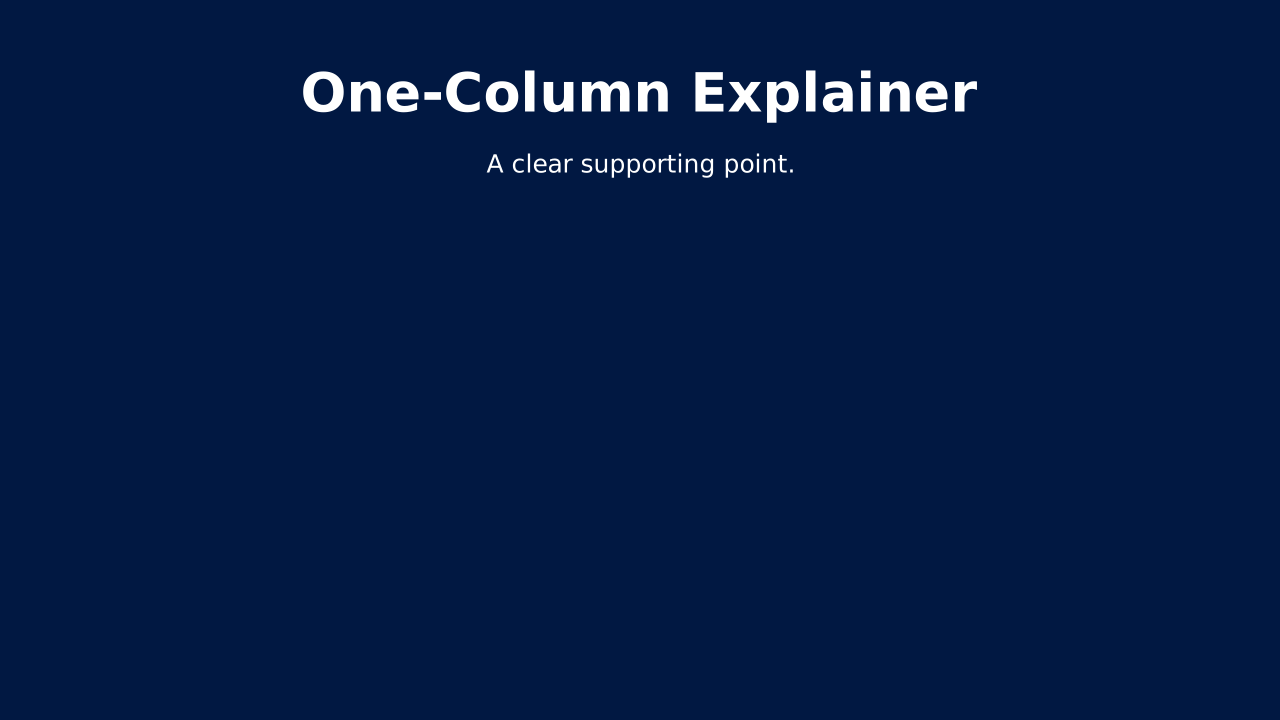
One-Column Explainer
A single block of body text with a headline. Use when a concept needs paragraph-length explanation, not bullets.
How to Use It
A single block of body text with a headline. Use when a concept needs paragraph-length explanation, not bullets. OPF placeholders: title, text.
Content Zones
Try dynamic composition
Explore how a text slide reflows as you change its content and shape. These examples use OPF’s shared composition rules; the copied document includes your choices.
All sample text fits within its content areas.
View the complete OPF example
{
  "$schema": "https://openpresentation.org/schema/opf/v1",
  "name": "Dynamic composition example",
  "design": {
    "dimensions": {
      "widthInches": 13.333333333333334,
      "heightInches": 7.5
    }
  },
  "slides": [
    {
      "title": "Let the content find its space",
      "composition": {
        "mode": "auto"
      },
      "blocks": [
        {
          "text": "Start with the decision. State what the audience should understand or do."
        },
        {
          "text": "Show the evidence. Give each supporting idea enough space to be read."
        },
        {
          "text": "Make the next step clear. Keep the action specific and easy to remember."
        }
      ]
    }
  ]
}
Composition rules and examples as JSON · Pagination rules and example JSON
Related Layouts
Similar OPF layout slugs with matching content types, spatial patterns, or presentation use cases.
Content Text
Text 1x
Text 1x from the standard OPF catalog.
/layouts/text-1x
Visual Storytelling
Architecture Stack
Layered diagram of a system from foundation to user-facing. Classic for tech stacks and capability layers.
/layouts/architecture-stack
Business Strategic
Assumptions & Dependencies
Lists the conditions this plan depends on. Makes the fragile parts of a strategy explicit.
/layouts/assumptions-dependencies
Content Text
Bullet List
Structured text content with clear hierarchy. The workhorse of business presentations when done right.
/layouts/bullet-list
Business Strategic
Business Model Canvas
9-box canvas covering customers, value, channels, and economics. Strategy on one page.
/layouts/business-model-canvas
Visual Storytelling
Case Study
Three-panel narrative of Challenge, Solution, and Impact. Turns a customer story into proof.
/layouts/case-study
OPF Config
layouts:one-column-explainer{
"$schema": "https://openpresentation.org/schema/opf/v1",
"name": "PPTX.gallery — layouts/one-column-explainer",
"tags": [
"gallery:layouts/one-column-explainer"
],
"slides": [
{
"id": "gallery-preview-1",
"layout": "one-column-explainer",
"title": "One-Column Explainer",
"text": "A clear supporting point.",
"design": {
"contentBox": false,
"contentAlignment": "center",
"titleAlignment": "center",
"contentDirection": "horizontal"
}
}
],
"catalogs": {
"layouts": {
"records": [
{
"$schema": "https://openpresentation.org/schema/opf-layout/v1",
"id": "one-column-explainer",
"name": "One_Column_Explainer",
"label": "One-Column Explainer",
"summary": "A single block of body text with a headline. Use when a concept needs paragraph-length explanation, not bullets.",
"description": "A single block of body text with a headline. Use when a concept needs paragraph-length explanation, not bullets.",
"tags": [
"Narrative",
"Explanation",
"Body Copy"
],
"master": "Gallery",
"masterSlideIndex": 31,
"groupHash": "c6e974254f1b45a72ae4c9bd36b472fae4d74578df1aad6c28db827162c14b97",
"groupDefault": true,
"contentType": "Text",
"contentMultiple": "1x",
"contentAlignment": "Center",
"contentBox": false,
"contentTypeChartPrimary": "None",
"contentTypeImageFill": "None",
"contentTypeListBullet": "None",
"contentTypeListHeading": false,
"slideTitle": true,
"slideTitleAlignment": "Center",
"slideImage": false,
"slideImageAlignment": "None",
"slideLayoutDirection": "Horizontal",
"zones": [
{
"role": "title",
"placeholder": "title"
},
{
"role": "text",
"placeholder": "text content 2"
}
],
"preview": {},
"details": "A single block of body text with a headline. Use when a concept needs paragraph-length explanation, not bullets. OPF placeholders: title, text.",
"category": "content-text",
"spatialCategory": "single zone",
"contentTypeTags": [
"mixed",
"text"
],
"placeholders": [
{
"type": "title"
},
{
"type": "text"
}
],
"slideSubtitle": false
}
]
}
}
}Preview this config live at pptx.dev/playground, or load it in the gallery visual editor.