Layout Pattern
Process
Explain an ordered sequence of steps. Give each step a clear action and enough context to understand the transition.
How to Use It
Explain an ordered sequence of steps. Give each step a clear action and enough context to understand the transition.
Preview + source
Explore this layout
Explain distinct phases of a process, one phase per region.
All people, quotations and business figures in these examples are illustrative.
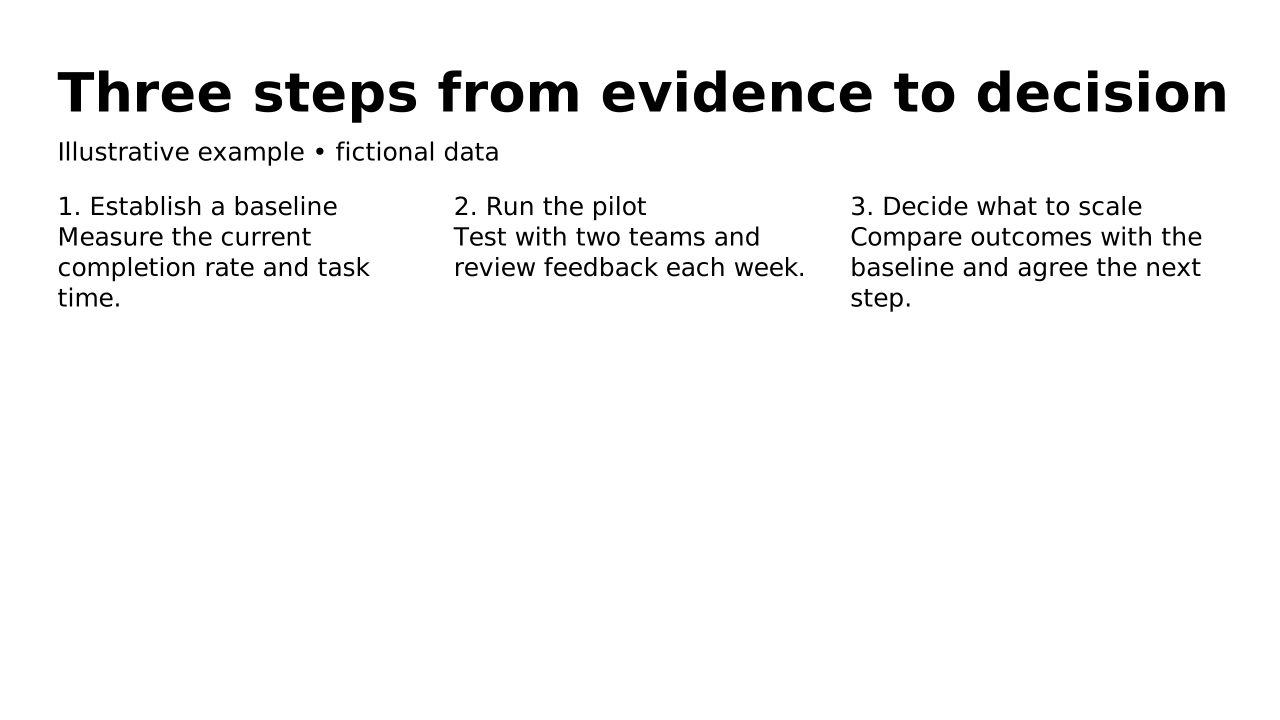
This prepared preview and the OPF describe the same example. Area outlines show measured allocation; toggling them does not change the slide.
Inspect compact default-catalog references. Your host must register the matching catalog; source identifies it without fetching over the network. Copy always includes complete embedded records.
{5 keys
"design": {1 keys
"slides": [1 items
{4 keys
"blocks": [3 items
{2 keys
{2 keys
{2 keys
"catalogs": {1 keys
"default": {1 keys
Layout structure and reference fields
How automatic composition differs
Try dynamic composition
Explore how a text slide reflows as you change its content and shape. These examples use OPF’s shared composition rules; the copied document includes your choices.
All sample text fits within its content areas.
View the complete OPF example
{
  "$schema": "https://openpresentation.org/schema/opf/v1",
  "name": "Dynamic composition example",
  "design": {
    "dimensions": {
      "widthInches": 13.333333333333334,
      "heightInches": 7.5
    }
  },
  "slides": [
    {
      "title": "Let the content find its space",
      "composition": {
        "mode": "auto"
      },
      "blocks": [
        {
          "text": "Start with the decision. State what the audience should understand or do."
        },
        {
          "text": "Show the evidence. Give each supporting idea enough space to be read."
        },
        {
          "text": "Make the next step clear. Keep the action specific and easy to remember."
        }
      ]
    }
  ]
}
Composition rules and examples as JSON · Pagination rules and example JSON
Related Layouts
Similar OPF layout slugs with matching content types, spatial patterns, or presentation use cases.
Groups Of Items
Timeline
Show events or milestones in chronological order. Label each item with a date or stage and a concise description.
/layouts/timeline
Groups Of Items
Pillars
Show the main themes or principles behind an idea. Give each item a short heading and a comparable amount of detail.
/layouts/pillars
Groups Of Items
FAQ
Answer the questions an audience is likely to ask. Pair each question with a direct answer and group related questions together.
/layouts/faq
Groups Of Items
Comparison
Compare alternatives using parallel information. Keep the same criteria and level of detail for every option.
/layouts/comparison
Numbers
Scorecard
Summarize performance across comparable measures. State the criteria consistently so the audience can assess the result.
/layouts/scorecard
Openers And Closers
Agenda
Set expectations by listing the parts of a talk. Longer agendas flow across columns while preserving their order.
/layouts/agenda