Layout Pattern
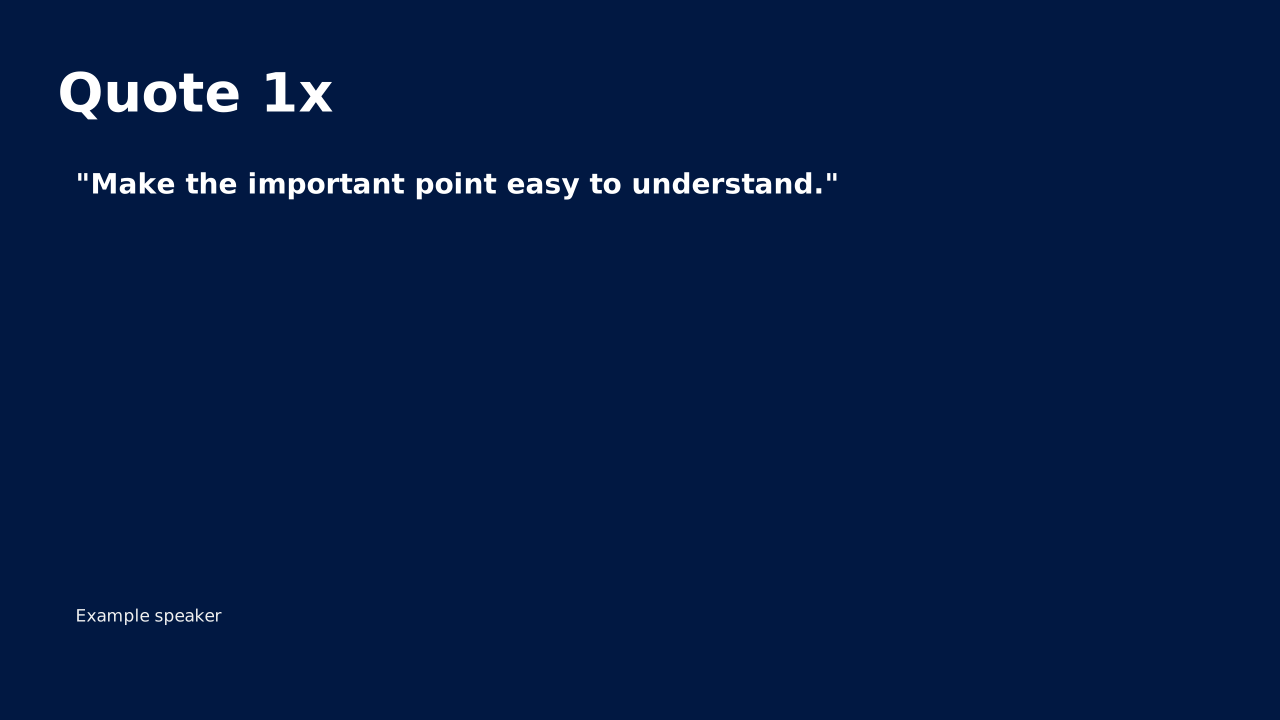
Quote 1x
Quote 1x from the standard OPF catalog.
How to Use It
Quote 1x from the standard OPF catalog. OPF placeholders: title, quote.
Content Zones
Try dynamic composition
Explore how a text slide reflows as you change its content and shape. These examples use OPF’s shared composition rules; the copied document includes your choices.
All sample text fits within its content areas.
View the complete OPF example
{
  "$schema": "https://openpresentation.org/schema/opf/v1",
  "name": "Dynamic composition example",
  "design": {
    "dimensions": {
      "widthInches": 13.333333333333334,
      "heightInches": 7.5
    }
  },
  "slides": [
    {
      "title": "Let the content find its space",
      "composition": {
        "mode": "auto"
      },
      "blocks": [
        {
          "text": "Start with the decision. State what the audience should understand or do."
        },
        {
          "text": "Show the evidence. Give each supporting idea enough space to be read."
        },
        {
          "text": "Make the next step clear. Keep the action specific and easy to remember."
        }
      ]
    }
  ]
}
Composition rules and examples as JSON · Pagination rules and example JSON
Related Layouts
Similar OPF layout slugs with matching content types, spatial patterns, or presentation use cases.
Business Strategic
Quote Highlight
Large typography for testimonials or key statements. Add authority and emphasis to your message.
/layouts/quote-highlight
Content Text
Bullet List
Structured text content with clear hierarchy. The workhorse of business presentations when done right.
/layouts/bullet-list
Content Text
FAQ
Question-and-answer pairs that preemptively address audience concerns. Builds trust by tackling objections head-on.
/layouts/faq
Content Text
Icon Grid
Grid of icon+label pairs for features, capabilities, or categories. Scannable and visually clean.
/layouts/icon-grid
Content Text
Image Bleed
Image Bleed from the standard OPF catalog.
/layouts/image-bleed
Content Text
One-Column Explainer
A single block of body text with a headline. Use when a concept needs paragraph-length explanation, not bullets.
/layouts/one-column-explainer
OPF Config
layouts:quote-1x{
"$schema": "https://openpresentation.org/schema/opf/v1",
"name": "PPTX.gallery — layouts/quote-1x",
"tags": [
"gallery:layouts/quote-1x"
],
"slides": [
{
"id": "gallery-preview-1",
"layout": "quote-1x",
"title": "Quote 1x",
"quote": {
"text": "Make the important point easy to understand.",
"attribution": "Example speaker"
},
"design": {
"contentBox": false,
"contentAlignment": "left",
"titleAlignment": "left",
"contentDirection": "horizontal"
}
}
]
}Preview this config live at pptx.dev/playground.