Layout Pattern
Timeline 1x
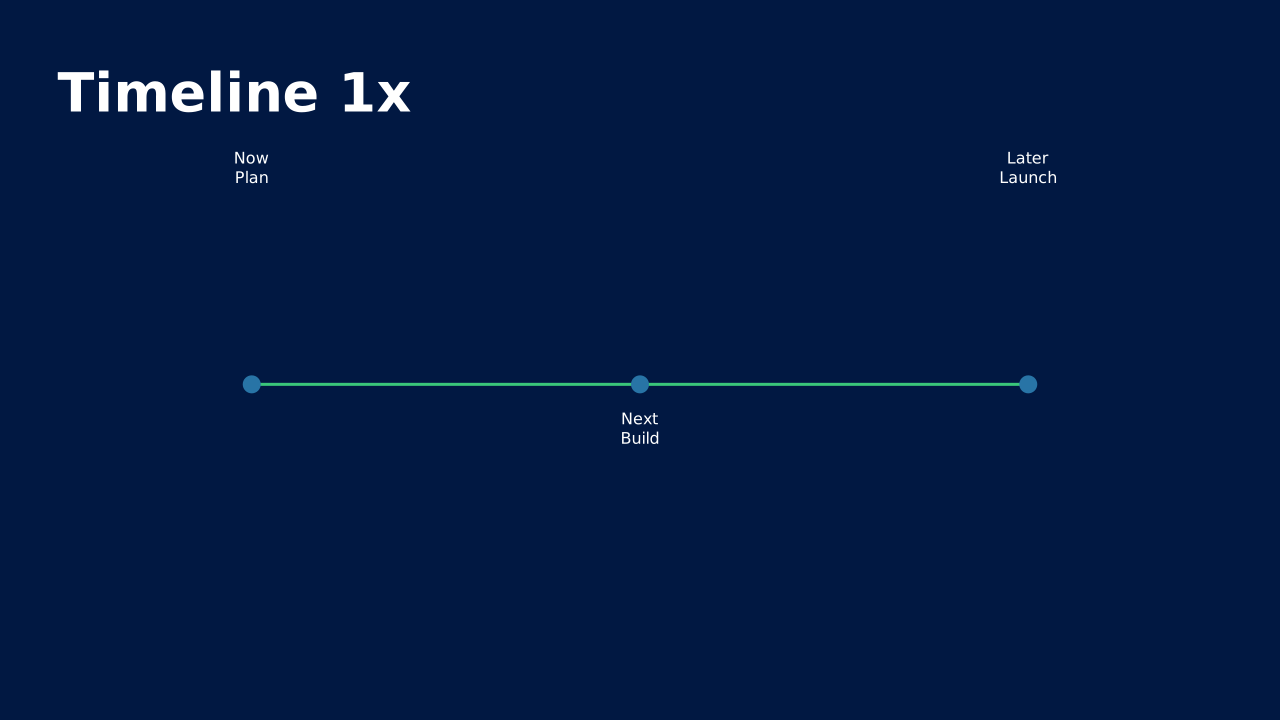
Timeline 1x from the standard OPF catalog.
How to Use It
Timeline 1x from the standard OPF catalog. OPF placeholders: title, timeline.
Content Zones
Try dynamic composition
Explore how a text slide reflows as you change its content and shape. These examples use OPF’s shared composition rules; the copied document includes your choices.
All sample text fits within its content areas.
View the complete OPF example
{
  "$schema": "https://openpresentation.org/schema/opf/v1",
  "name": "Dynamic composition example",
  "design": {
    "dimensions": {
      "widthInches": 13.333333333333334,
      "heightInches": 7.5
    }
  },
  "slides": [
    {
      "title": "Let the content find its space",
      "composition": {
        "mode": "auto"
      },
      "blocks": [
        {
          "text": "Start with the decision. State what the audience should understand or do."
        },
        {
          "text": "Show the evidence. Give each supporting idea enough space to be read."
        },
        {
          "text": "Make the next step clear. Keep the action specific and easy to remember."
        }
      ]
    }
  ]
}
Composition rules and examples as JSON · Pagination rules and example JSON
Related Layouts
Similar OPF layout slugs with matching content types, spatial patterns, or presentation use cases.
Business Strategic
Gantt / Project Plan
Horizontal bar chart of tasks across a timeline. The canonical project-status slide.
/layouts/gantt-project-plan
Visual Storytelling
Process Flow
Step-by-step sequence with arrows or connectors. Shows how something works, from input to output.
/layouts/process-flow
Business Strategic
Roadmap
Strategic timeline showing planned initiatives across phases or quarters. Communicates direction and commitment.
/layouts/roadmap
Visual Storytelling
Timeline
Horizontal or vertical progression showing events, milestones, or phases in chronological order.
/layouts/timeline
Content Text
Bullet List
Structured text content with clear hierarchy. The workhorse of business presentations when done right.
/layouts/bullet-list
Content Text
FAQ
Question-and-answer pairs that preemptively address audience concerns. Builds trust by tackling objections head-on.
/layouts/faq
OPF Config
layouts:timeline-1x{
"$schema": "https://openpresentation.org/schema/opf/v1",
"name": "PPTX.gallery — layouts/timeline-1x",
"tags": [
"gallery:layouts/timeline-1x"
],
"slides": [
{
"id": "gallery-preview-1",
"layout": "timeline-1x",
"title": "Timeline 1x",
"timeline": {
"events": [
{
"when": "Now",
"what": "Plan"
},
{
"when": "Next",
"what": "Build"
},
{
"when": "Later",
"what": "Launch"
}
]
},
"design": {
"contentBox": false,
"contentAlignment": "left",
"titleAlignment": "left",
"contentDirection": "horizontal"
}
}
]
}Preview this config live at pptx.dev/playground.