Layout Pattern
Table 1x
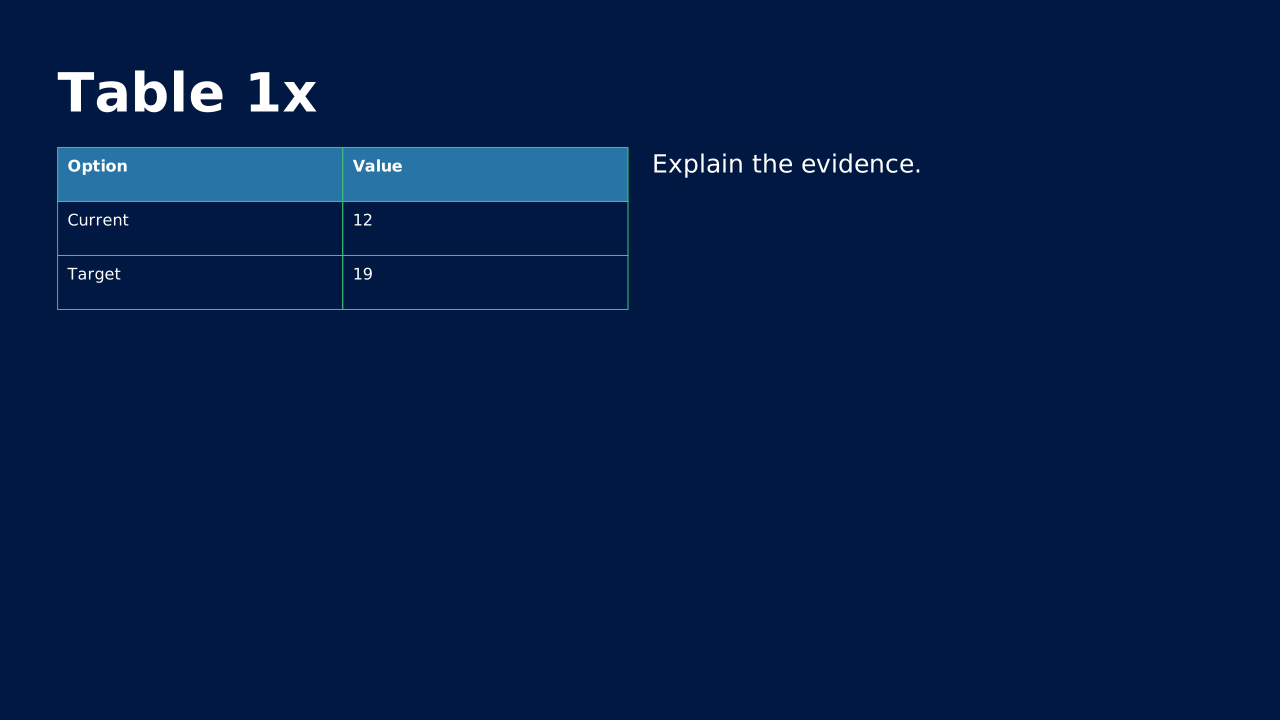
Table 1x from the standard OPF catalog.
How to Use It
Table 1x from the standard OPF catalog. OPF placeholders: title, table, text.
Content Zones
Try dynamic composition
Explore how a text slide reflows as you change its content and shape. These examples use OPF’s shared composition rules; the copied document includes your choices.
All sample text fits within its content areas.
View the complete OPF example
{
  "$schema": "https://openpresentation.org/schema/opf/v1",
  "name": "Dynamic composition example",
  "design": {
    "dimensions": {
      "widthInches": 13.333333333333334,
      "heightInches": 7.5
    }
  },
  "slides": [
    {
      "title": "Let the content find its space",
      "composition": {
        "mode": "auto"
      },
      "blocks": [
        {
          "text": "Start with the decision. State what the audience should understand or do."
        },
        {
          "text": "Show the evidence. Give each supporting idea enough space to be read."
        },
        {
          "text": "Make the next step clear. Keep the action specific and easy to remember."
        }
      ]
    }
  ]
}
Composition rules and examples as JSON · Pagination rules and example JSON
Related Layouts
Similar OPF layout slugs with matching content types, spatial patterns, or presentation use cases.
Content Text
Code 1x
Code 1x from the standard OPF catalog.
/layouts/code-1x
Content Text
Image 1x
Image 1x from the standard OPF catalog.
/layouts/image-1x
Content Text
Media 1x
Media 1x from the standard OPF catalog.
/layouts/media-1x
Data Analysis
Benchmark / Target Table
Table comparing our metric to industry benchmarks or internal targets. Context that raw numbers lack.
/layouts/benchmark-target-table
Data Analysis
Feature Comparison Matrix
Rows of features vs. columns of options with check/X marks. The no-argument way to show what wins on paper.
/layouts/feature-comparison-matrix
Business Strategic
Pricing Table
Tiered options in columns with feature comparisons. Makes your offering and value tiers crystal clear.
/layouts/pricing-table
OPF Config
layouts:table-1x{
"$schema": "https://openpresentation.org/schema/opf/v1",
"name": "PPTX.gallery — layouts/table-1x",
"tags": [
"gallery:layouts/table-1x"
],
"slides": [
{
"id": "gallery-preview-1",
"layout": "table-1x",
"title": "Table 1x",
"blocks": [
{
"table": {
"columns": [
"Option",
"Value"
],
"rows": [
[
"Current",
"12"
],
[
"Target",
"19"
]
]
}
},
{
"text": "Explain the evidence."
}
],
"design": {
"contentBox": false,
"contentAlignment": "left",
"titleAlignment": "left",
"contentDirection": "horizontal"
}
}
]
}Preview this config live at pptx.dev/playground.