Column
Vertical comparisons across categories, time periods, or grouped series.
Charts
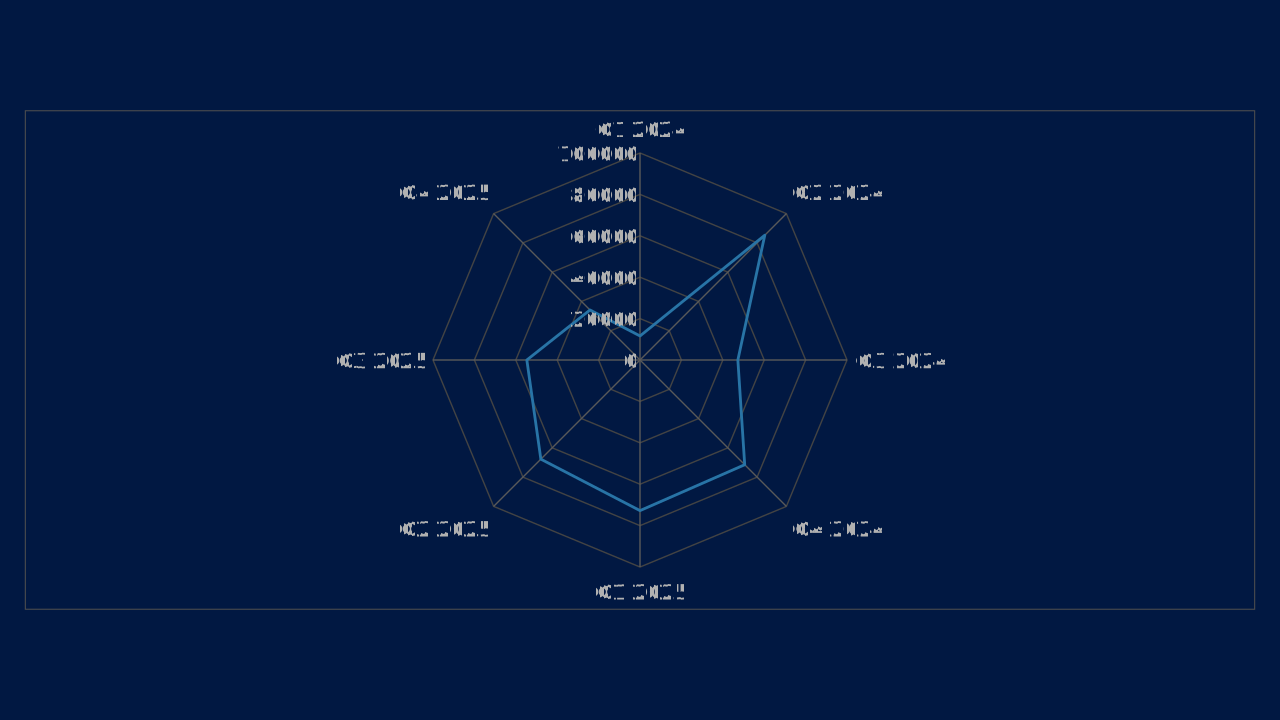
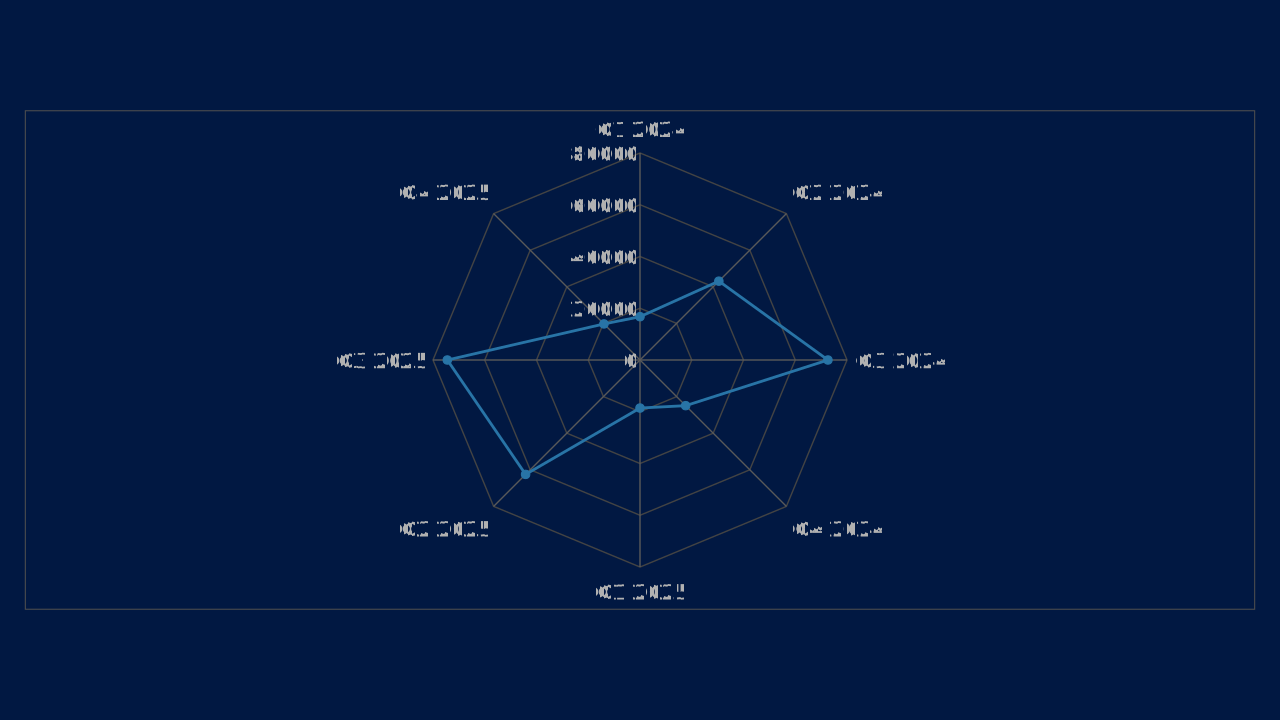
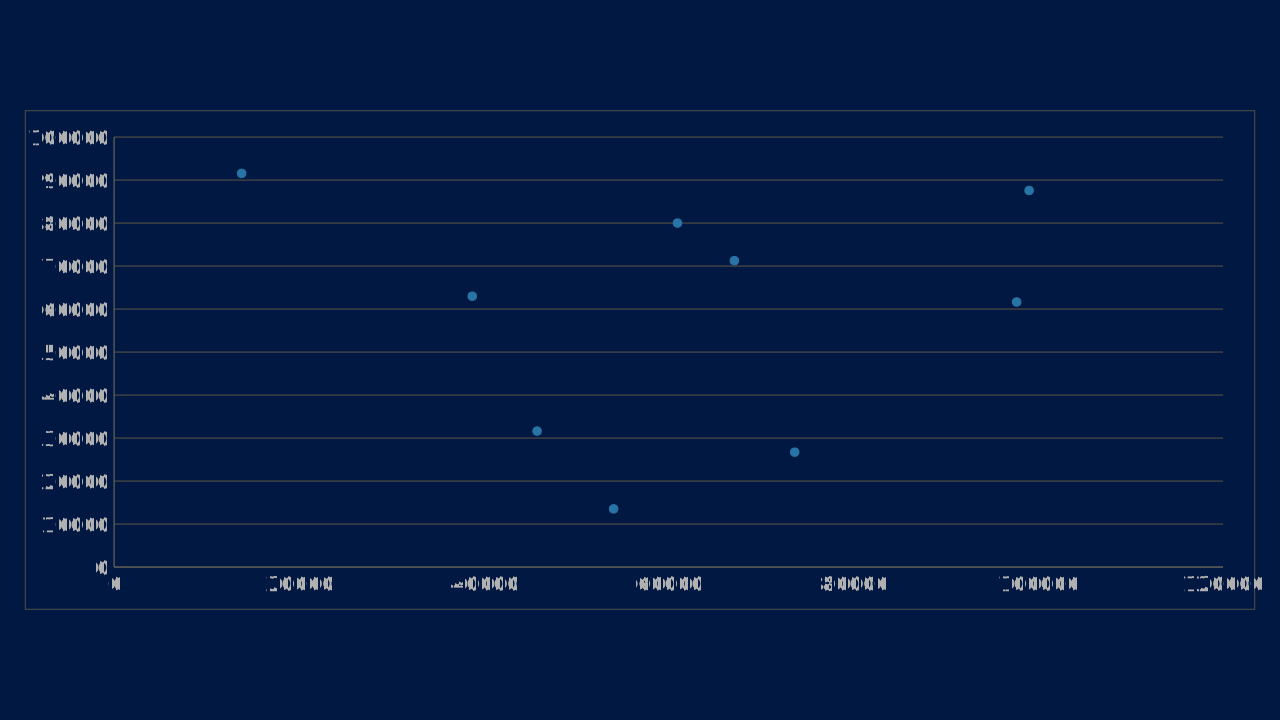
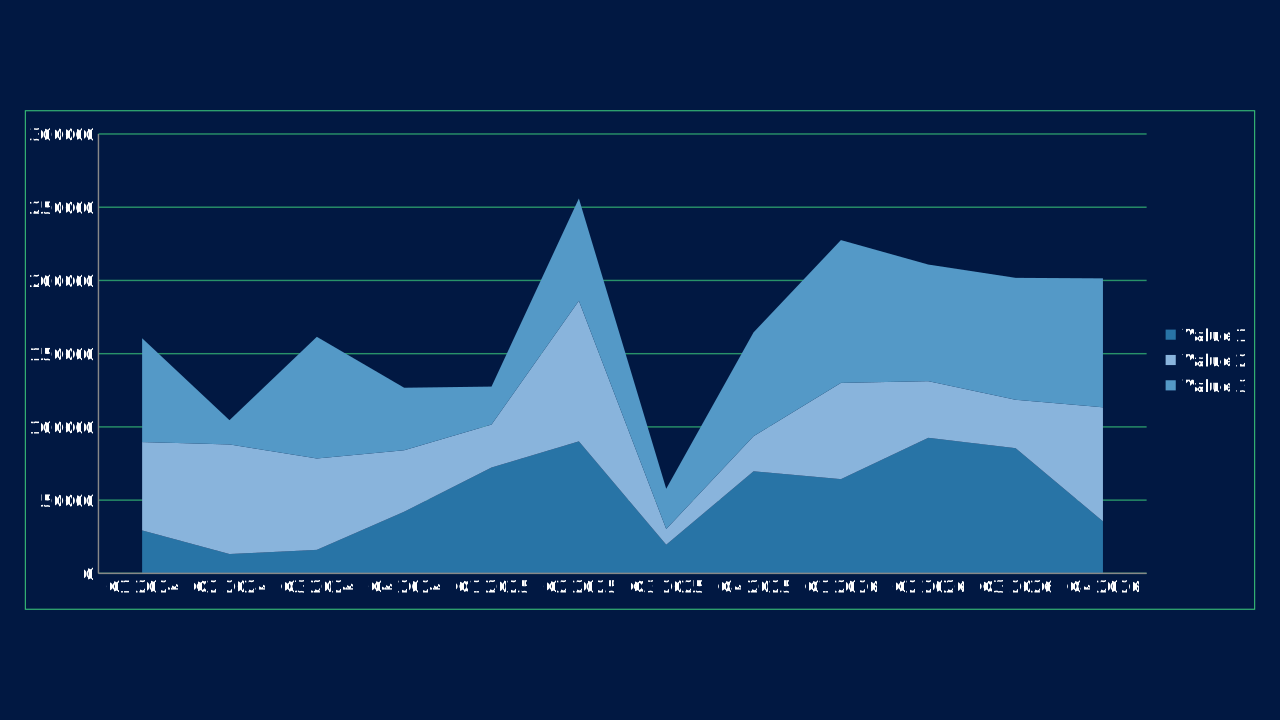
Charts turn data into an argument. Use this OPF reference to select a chart by analytical purpose, understand the data shape it expects, and copy a chart.type snippet with sample data.
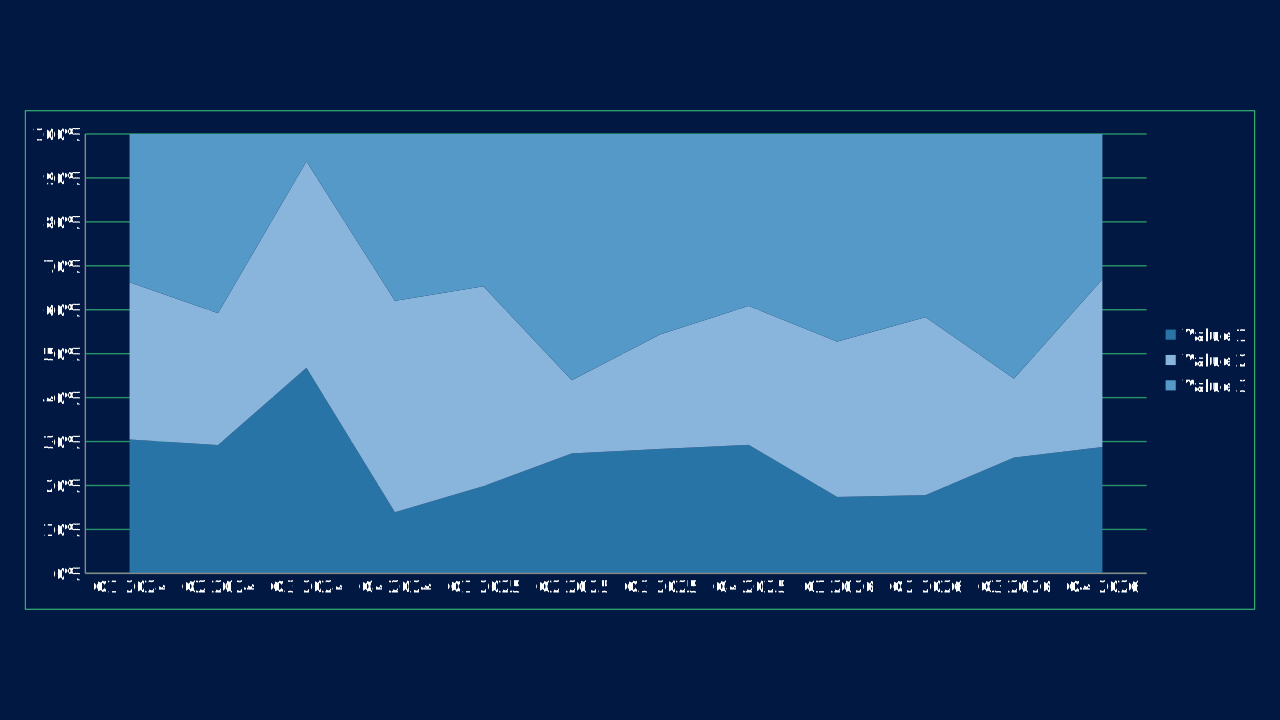
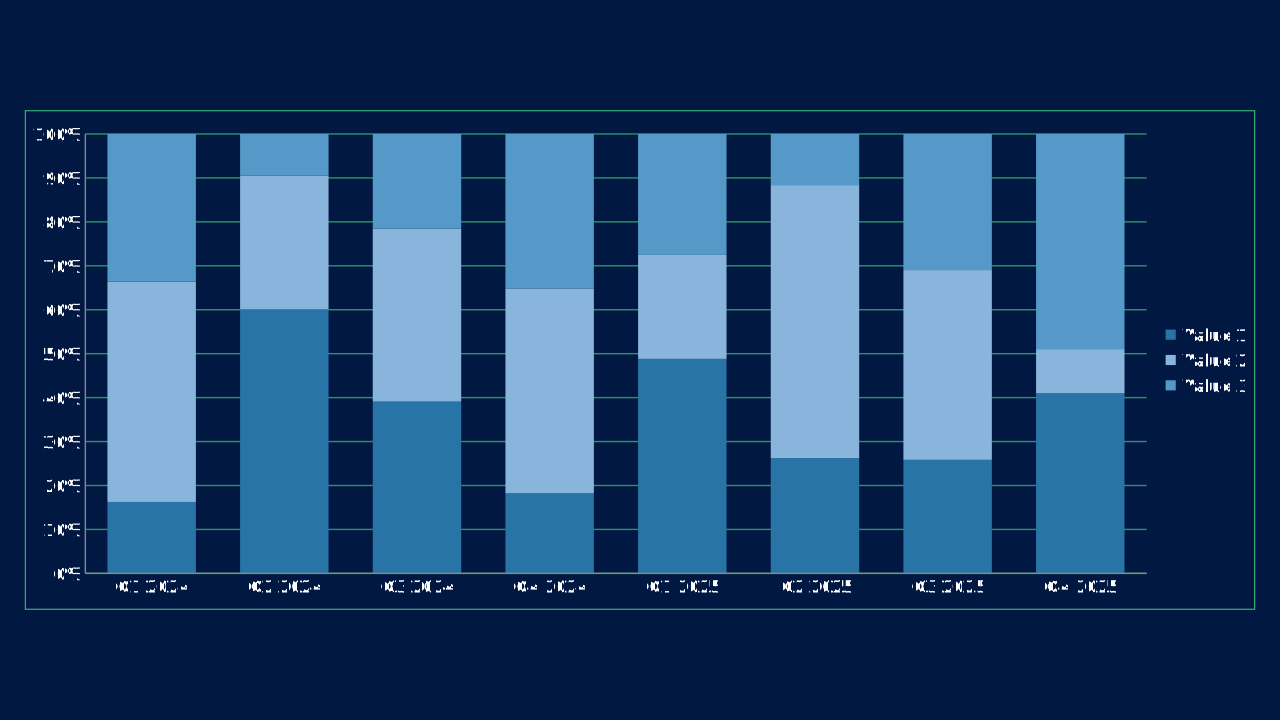
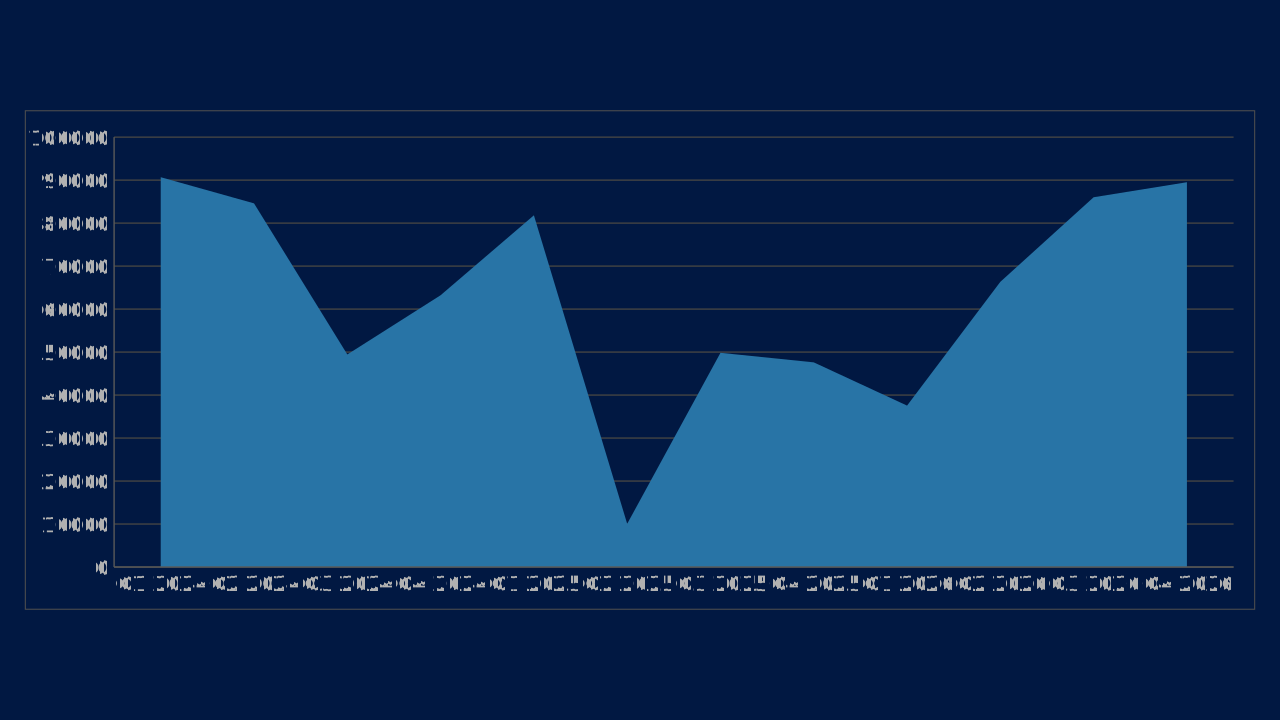
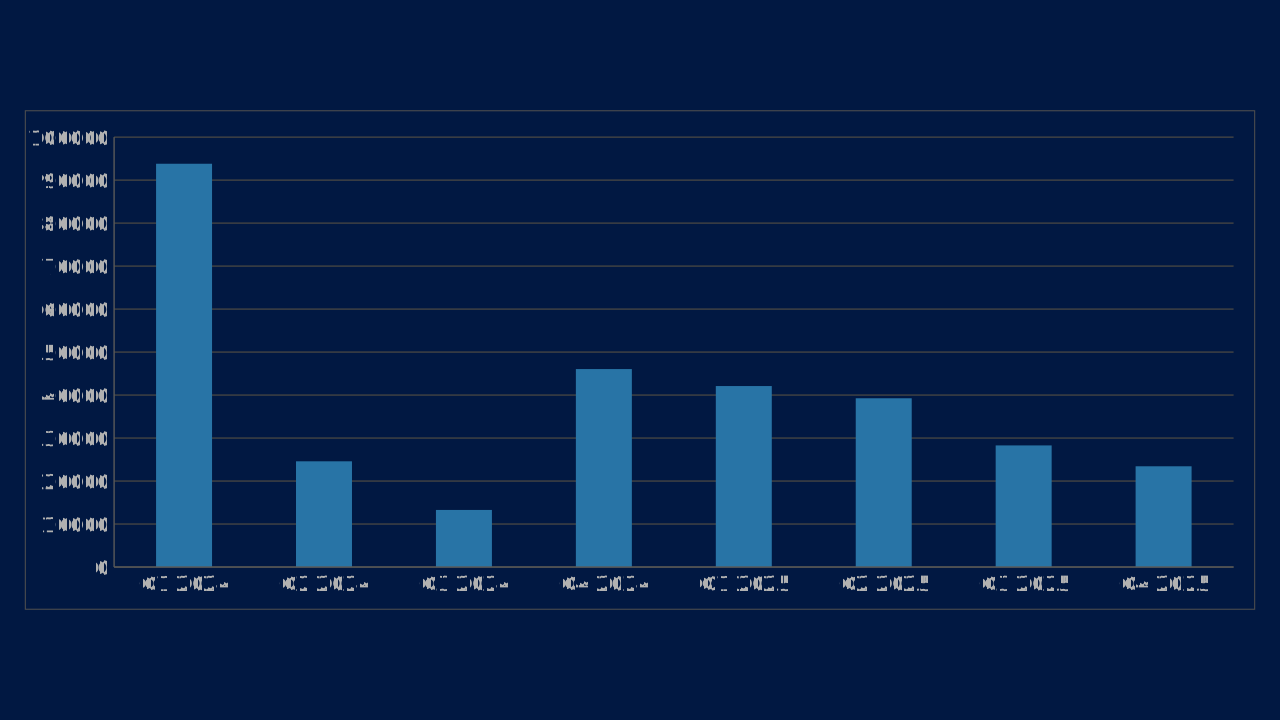
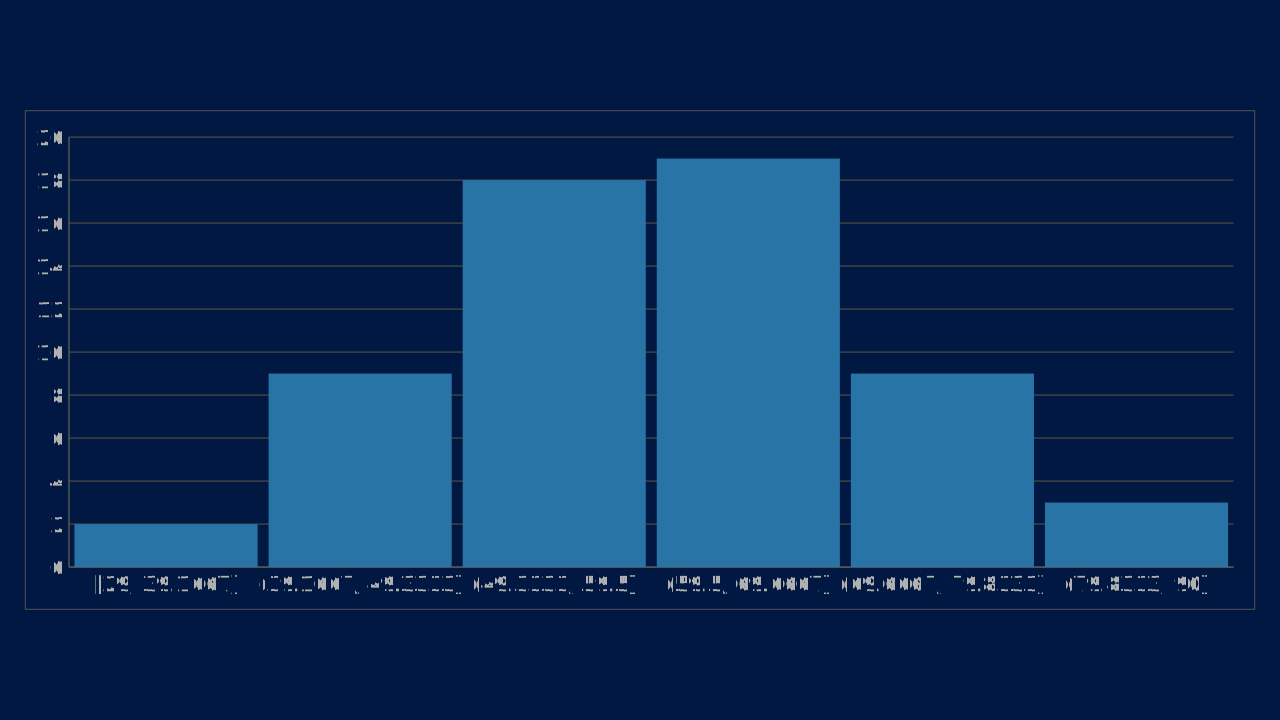
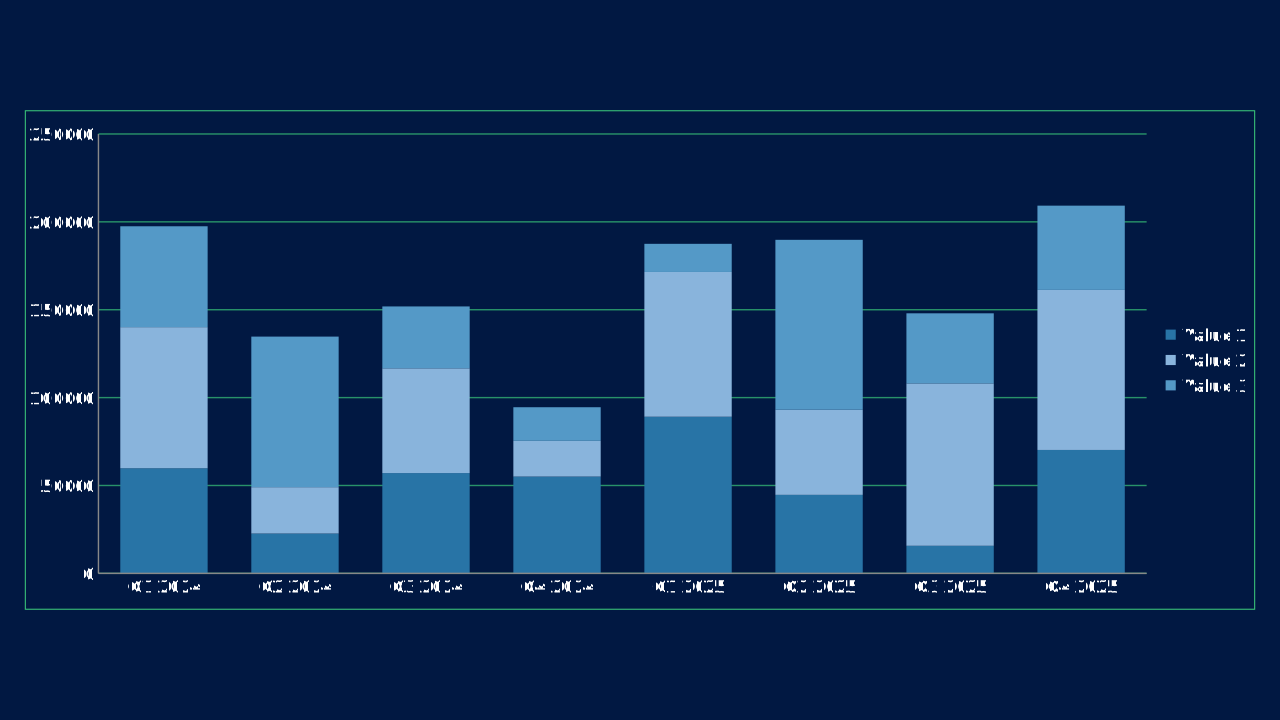
Column
Vertical comparisons across categories, time periods, or grouped series.
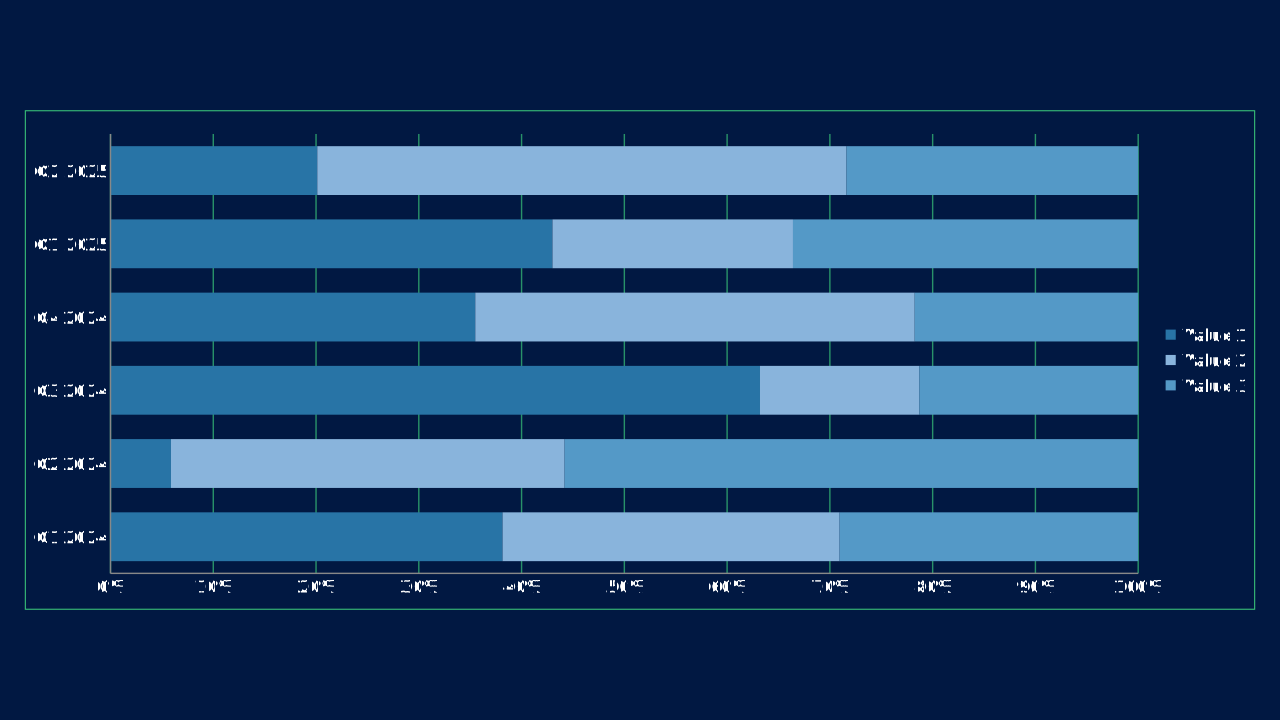
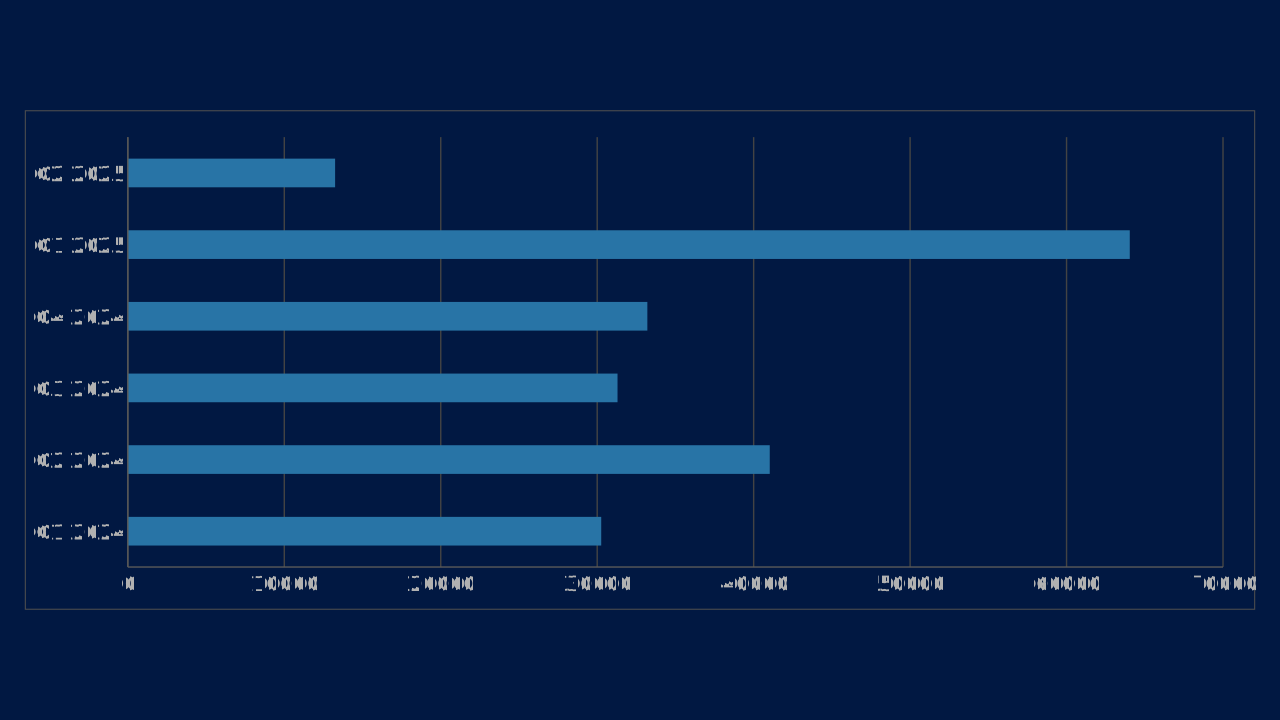
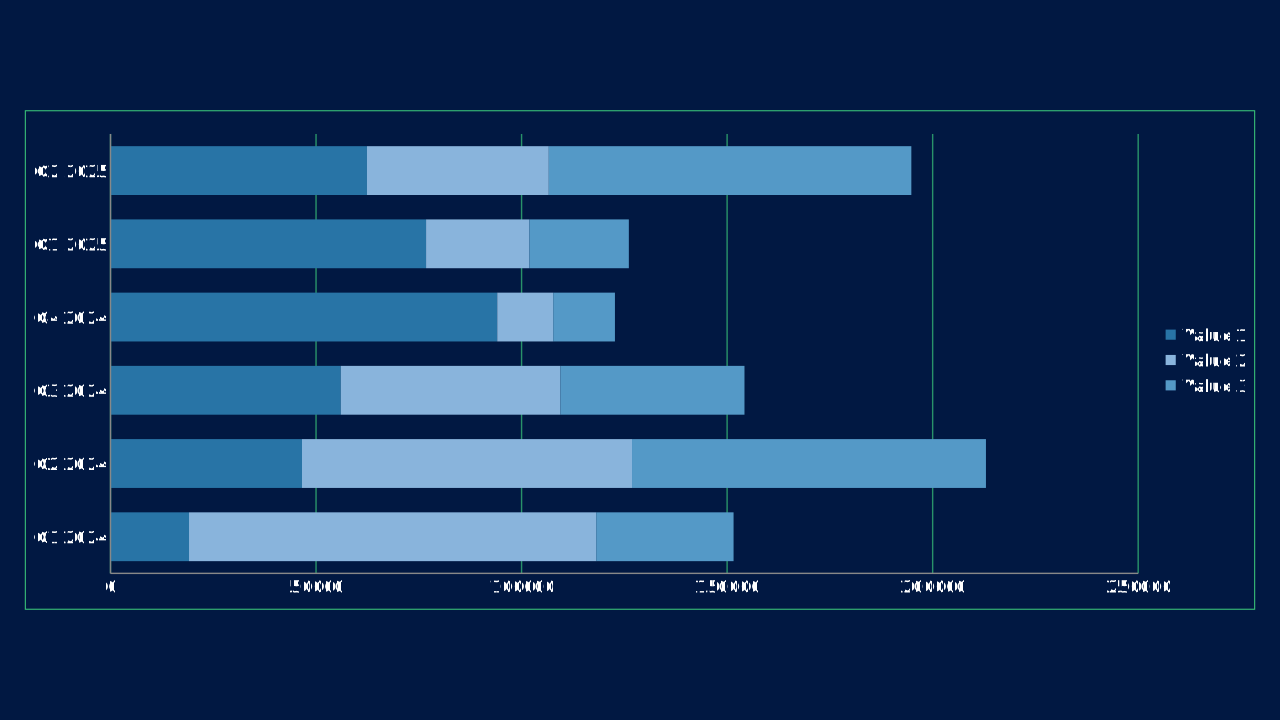
Bar
Horizontal comparisons, ranked values, and progress-style measures.
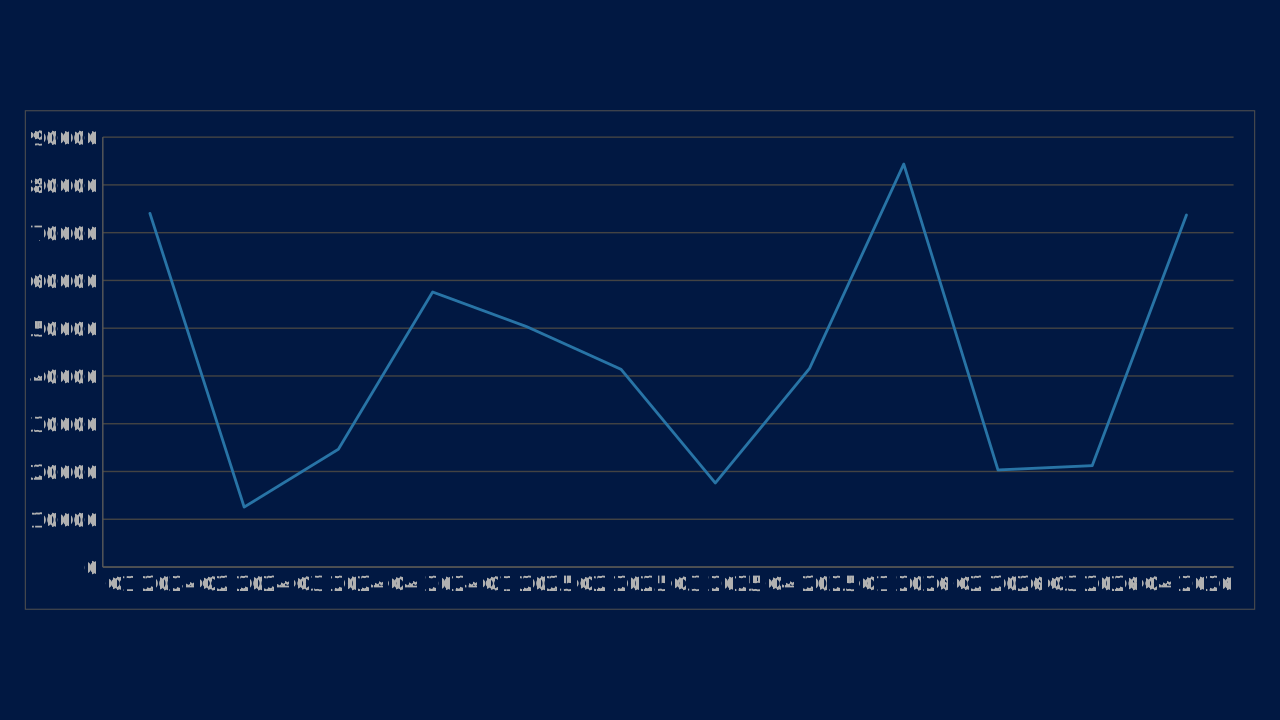
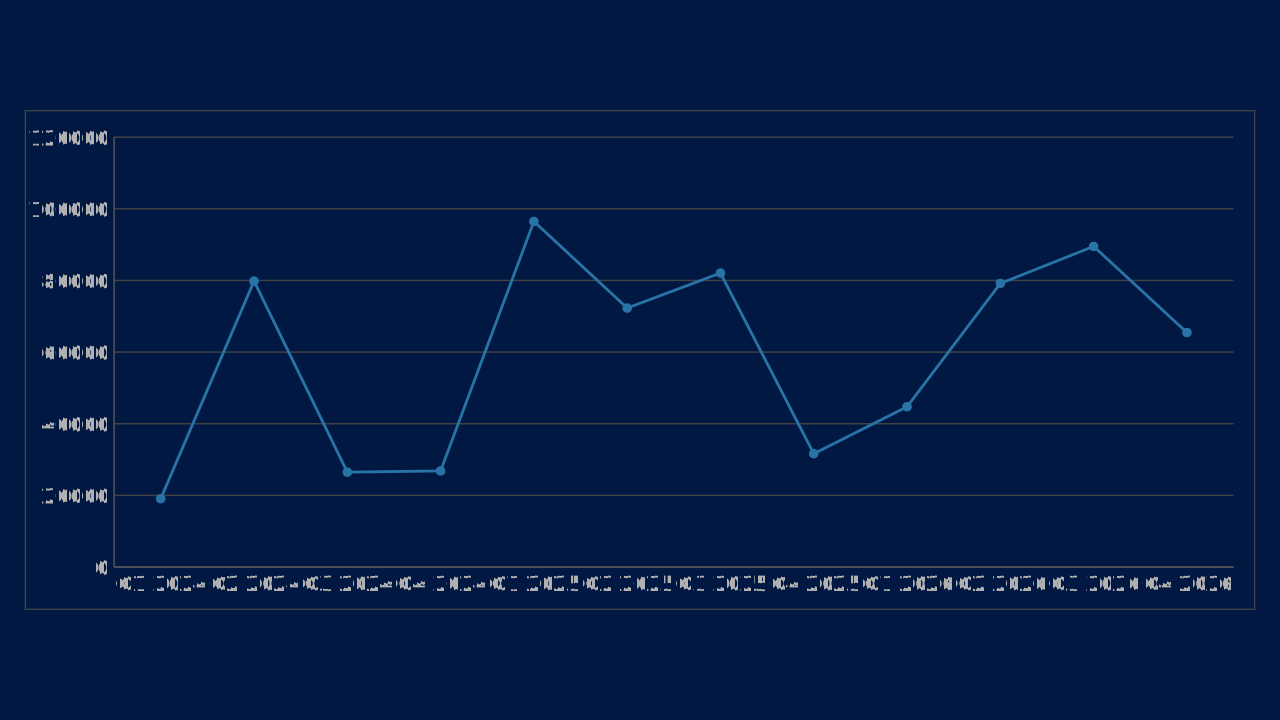
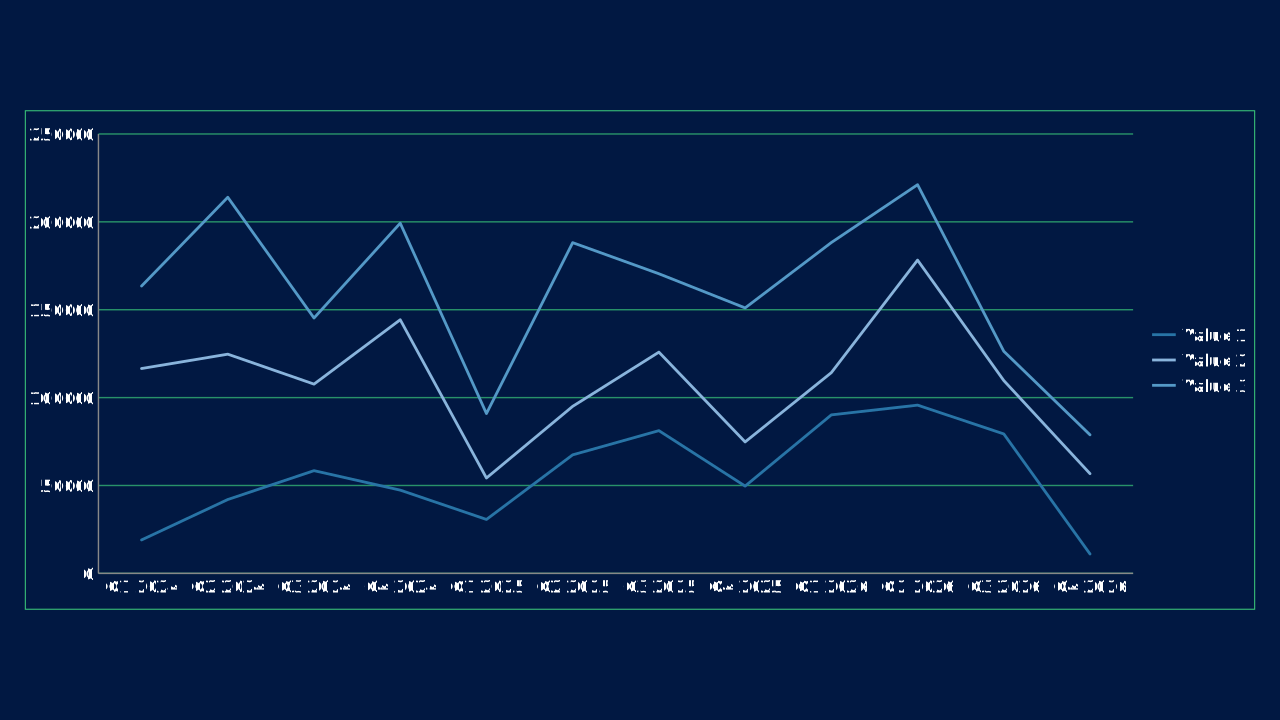
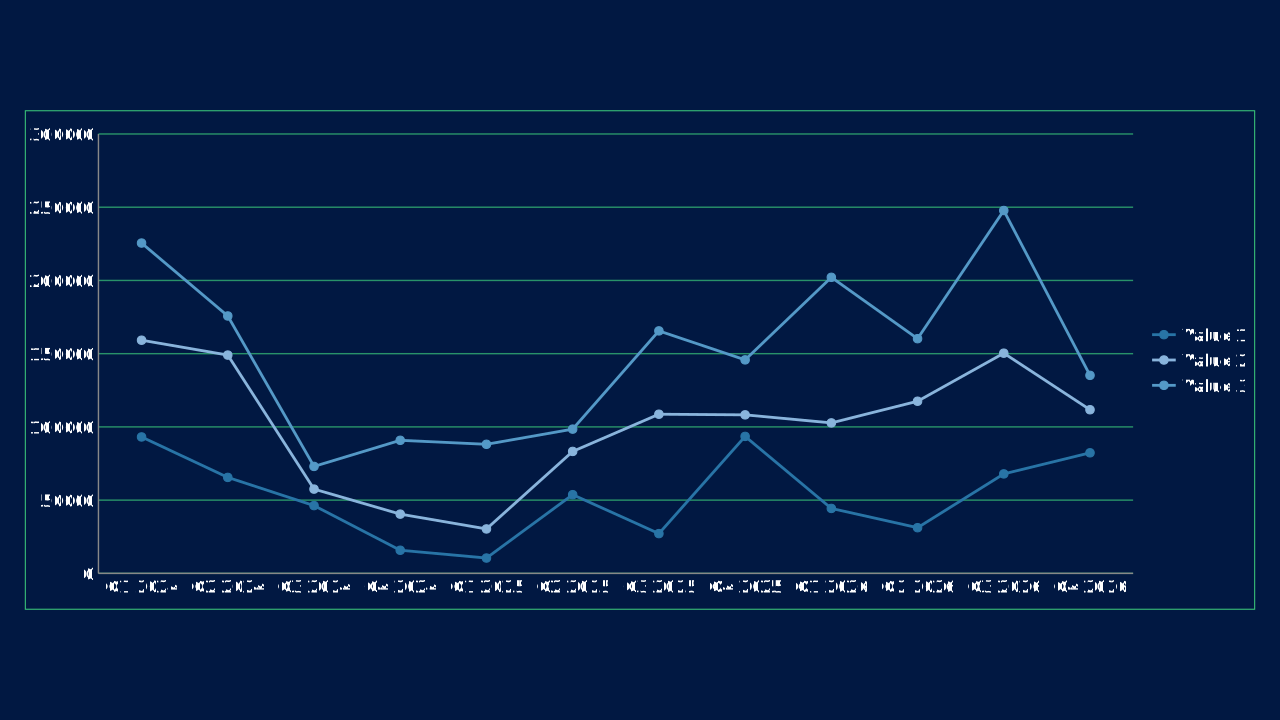
Line
Trend charts for time-series movement and multi-series comparisons.
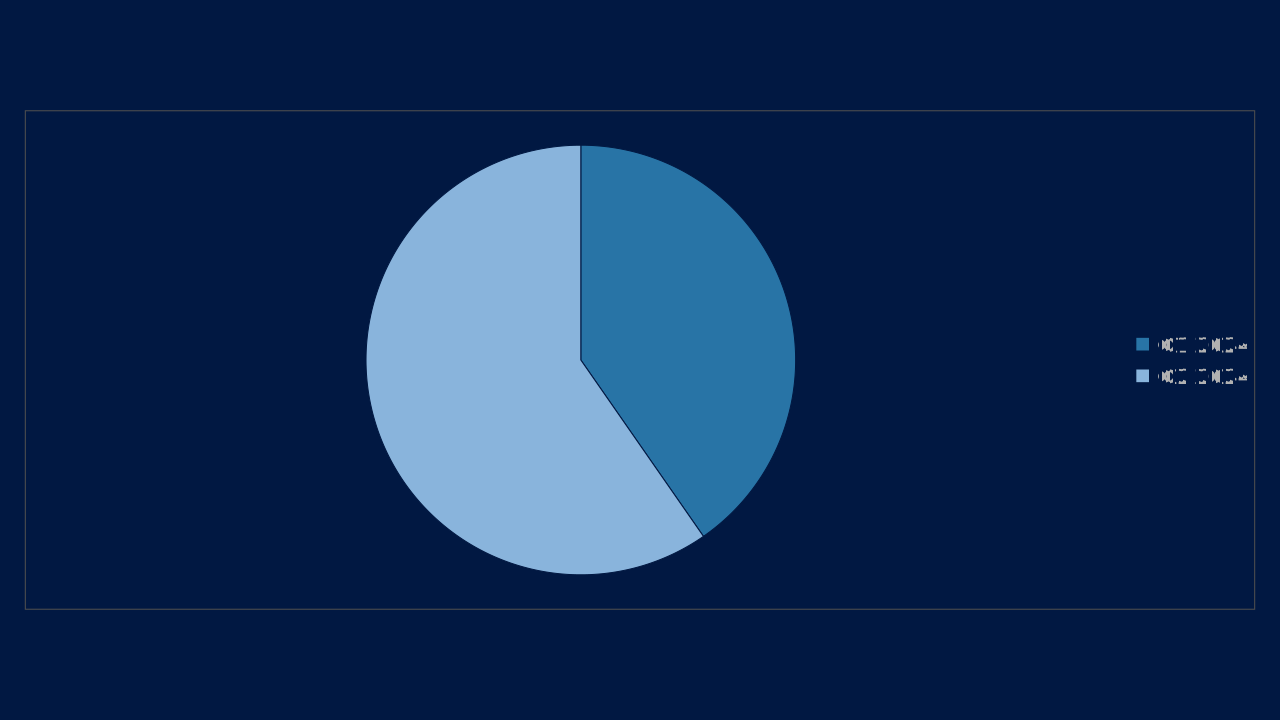
Pie
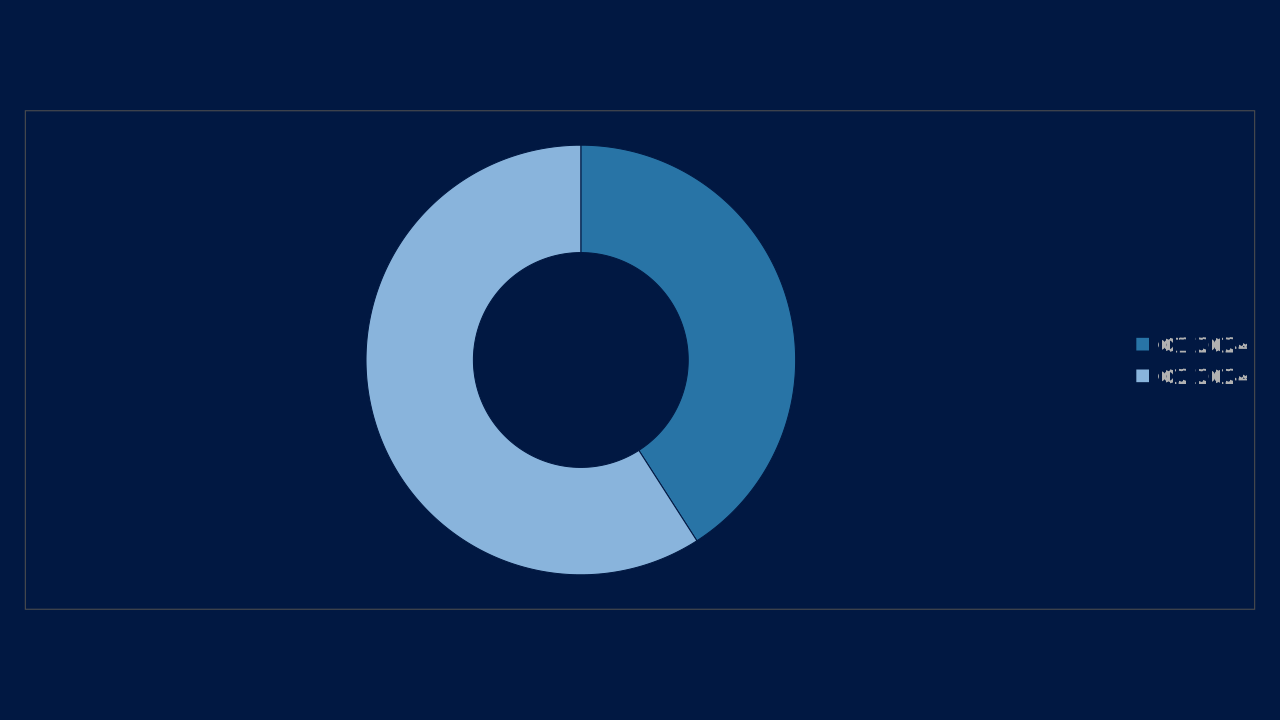
Part-to-whole charts for a small number of segments.
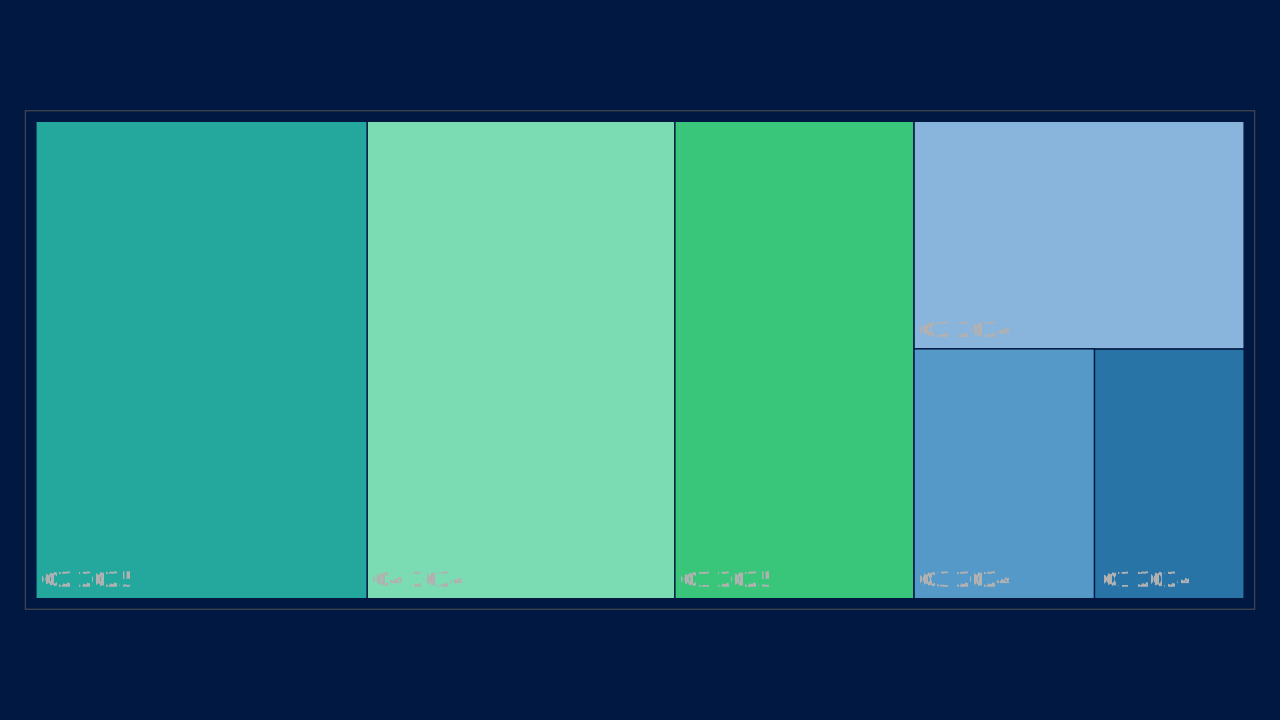
By default a chart takes its series colors from the deck's color scheme. Series 1 to 6 use accent1 to accent6 of the scheme in that order; series 7 to 12 use the same six accents mixed 40% toward white (series 7 is a tint of accent1). A pie, doughnut, treemap or funnel gives category i color i. Charts with more than twelve series repeat the list.
Put the series that carries the message first, because accent1 is the deck's primary, and keep a chart to six series or fewer so no tint is needed. Each color is then adjusted so it keeps 3:1 contrast against the chart panel and stays apart from its neighbours; on a dark panel colors are lightened, never merged.
To set a series color yourself, give the chart chart.colors: a list of up to 24 colors by position, where entry i replaces the palette color of series (or slice, for a pie) i and the rest of the palette is unchanged. An entry is any ColorRef: a hex color, a color-scheme slot or role such as accent3 (it follows the deck if its scheme changes), or a var: color variable. The contrast adjustment still applies to authored colors, and the opf/chart-colors-adjusted warning says when an entry was unresolvable or had to be moved.
"chart": {
  "type": "column",
  "data": { "columns": ["Quarter", "Revenue", "Costs"], "rows": [["Q1", 12, 8], ["Q2", 18, 11]] },
  "colors": ["accent3", "#7B241C"]
}
highlight wins over both: the series and categories it names take the deck's primary color and every other mark takes a muted neutral, whatever chart.colors says.
Core 0.21.0 behavior.
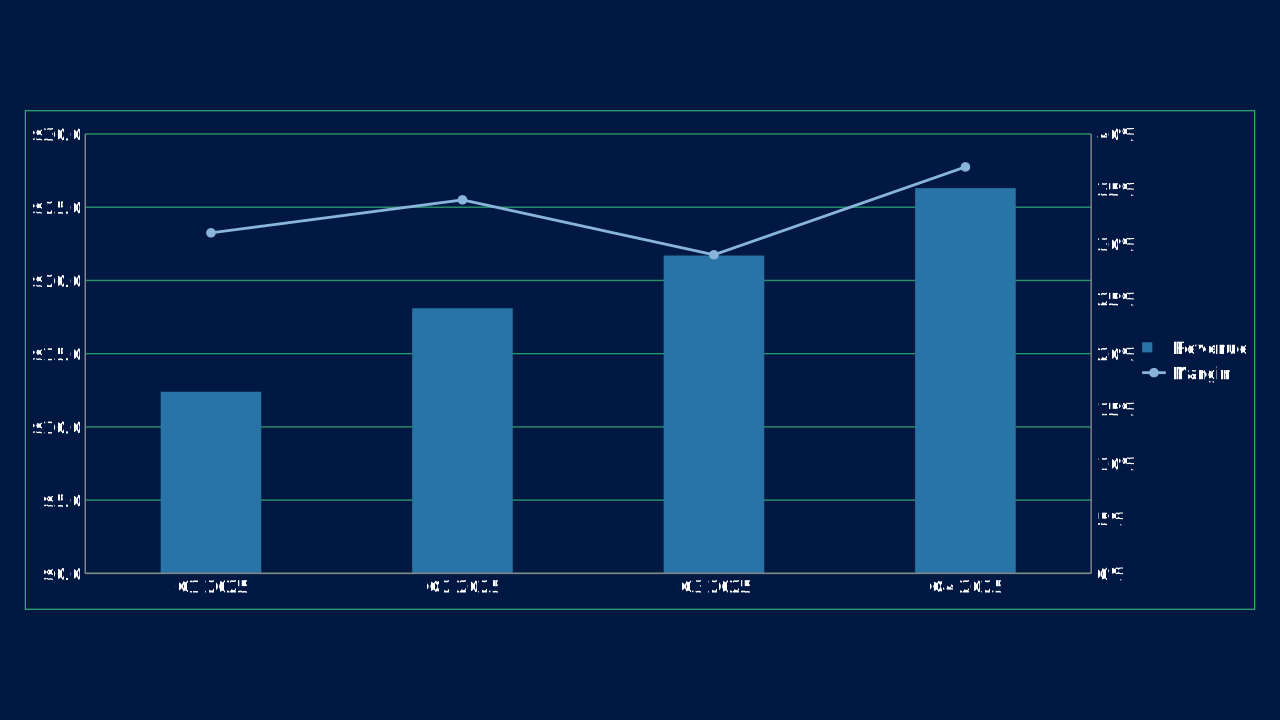
The chart catalog publishes 27 records through @openpresentation/gallery: 26 Aspose.Slides-supported chart types plus the column-and-line combo. Other Aspose.Slides chart types (3D, cylinder/cone/pyramid, pie-of-pie, stock, surface, bubble, sunburst) are not yet OPF records.
OPF snippets set chart.type to the chart type id and supply its data. Chart types are an engine vocabulary, not catalog references.
Human guidance fields such as use_case, when_to_use, and when_to_avoid remain additive metadata; they do not replace or reshape OPF fields.
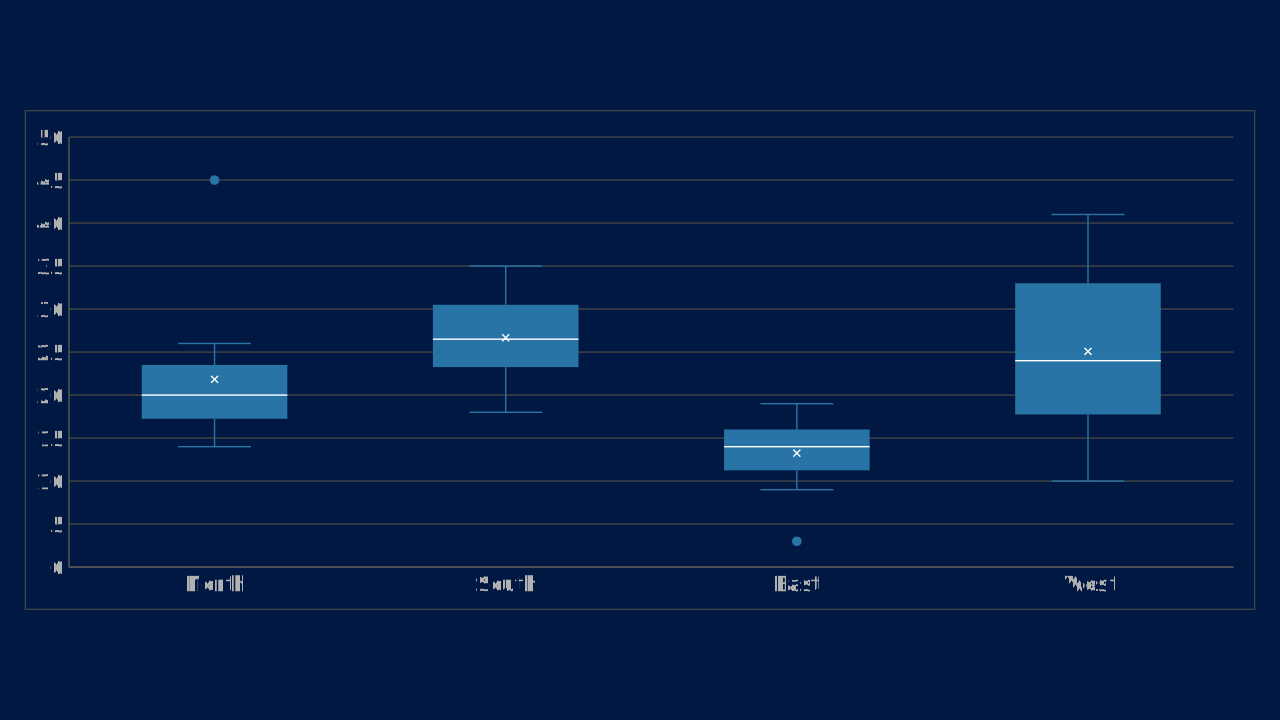
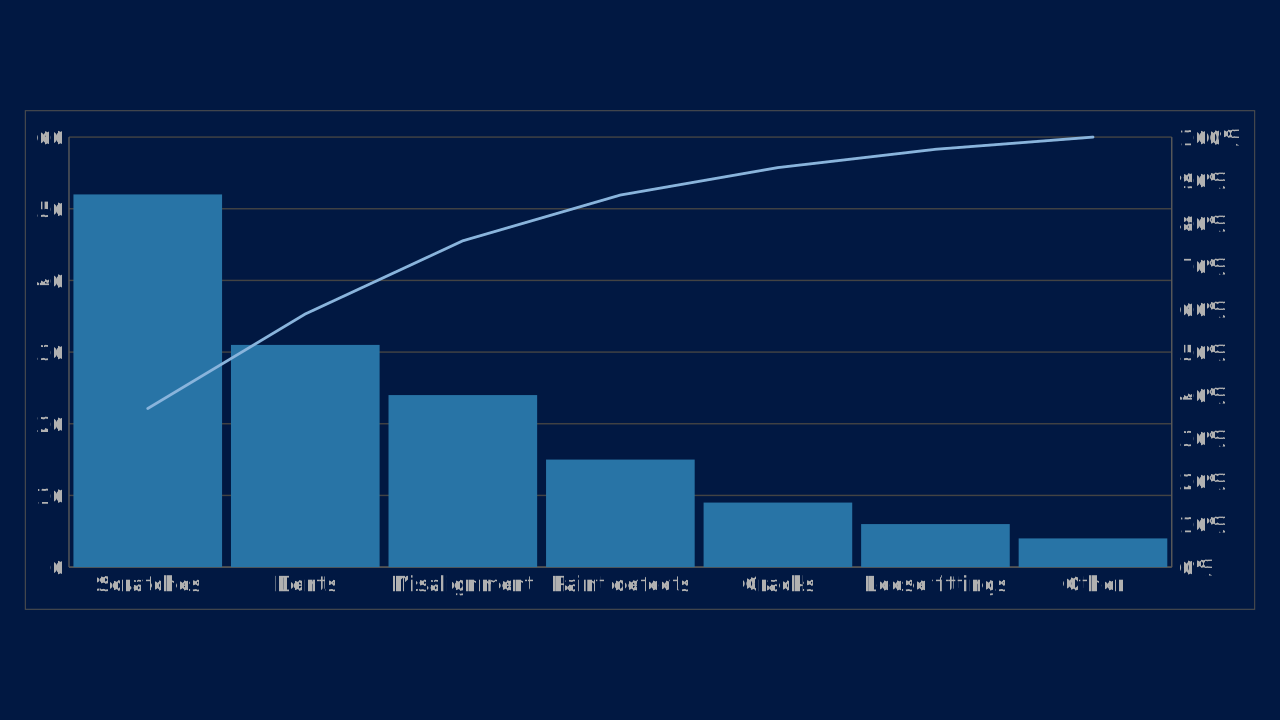
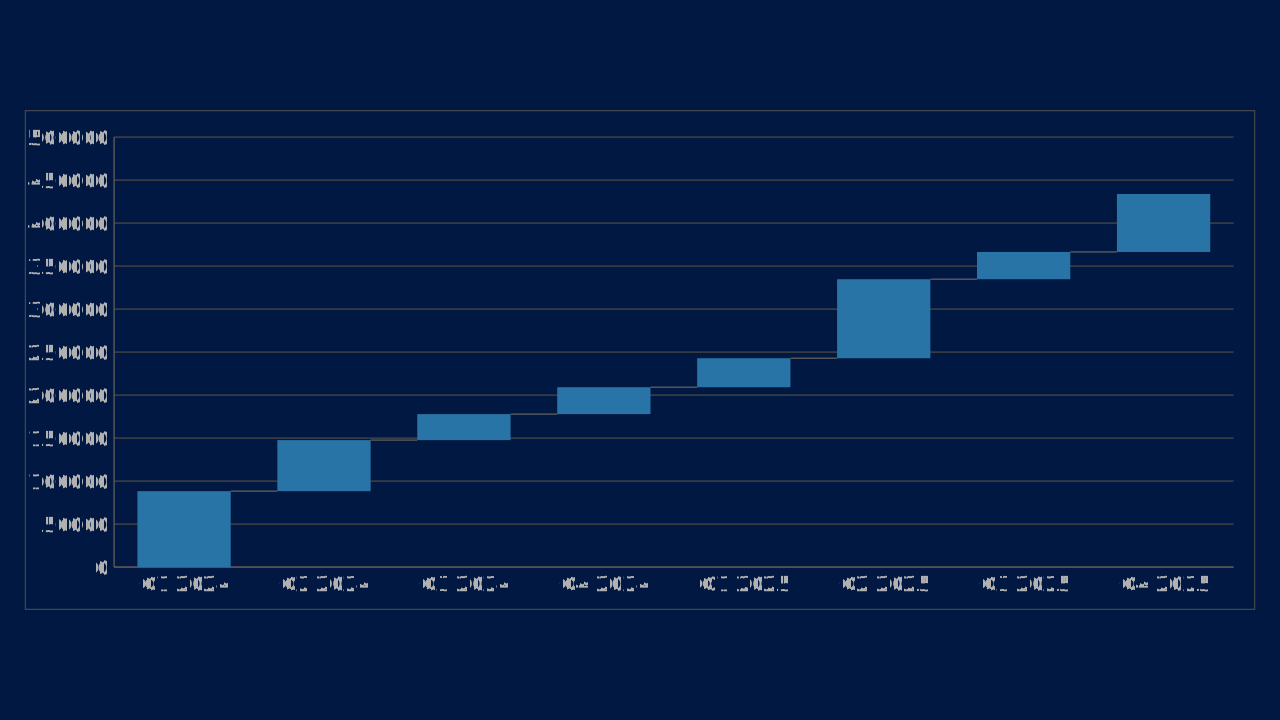
The PPTX exporter writes 100% stacked grouping and Office 2016 chartex parts for treemap, histogram, Pareto, box & whisker, waterfall and funnel with supported data shapes. Chartex includes a clustered-column compatibility fallback for older readers; map remains on that fallback in auto mode. Explicit fallback mode or data-shape limitations can also select a fallback and report diagnostics. Written chart parts do not establish identical appearance or editing behavior in every presentation app.