Diagram
PlantUML Activity
Use the current PlantUML activity syntax to show actions, a decision and the paths to completion.
plantuml-activityPlantUML · flowchart
Source syntax
Write one diagram from @startuml to @enduml. OPF reads selected PlantUML constructs and adapts them to the shared renderer; it does not run PlantUML, a JVM or preprocessing.
Alt text
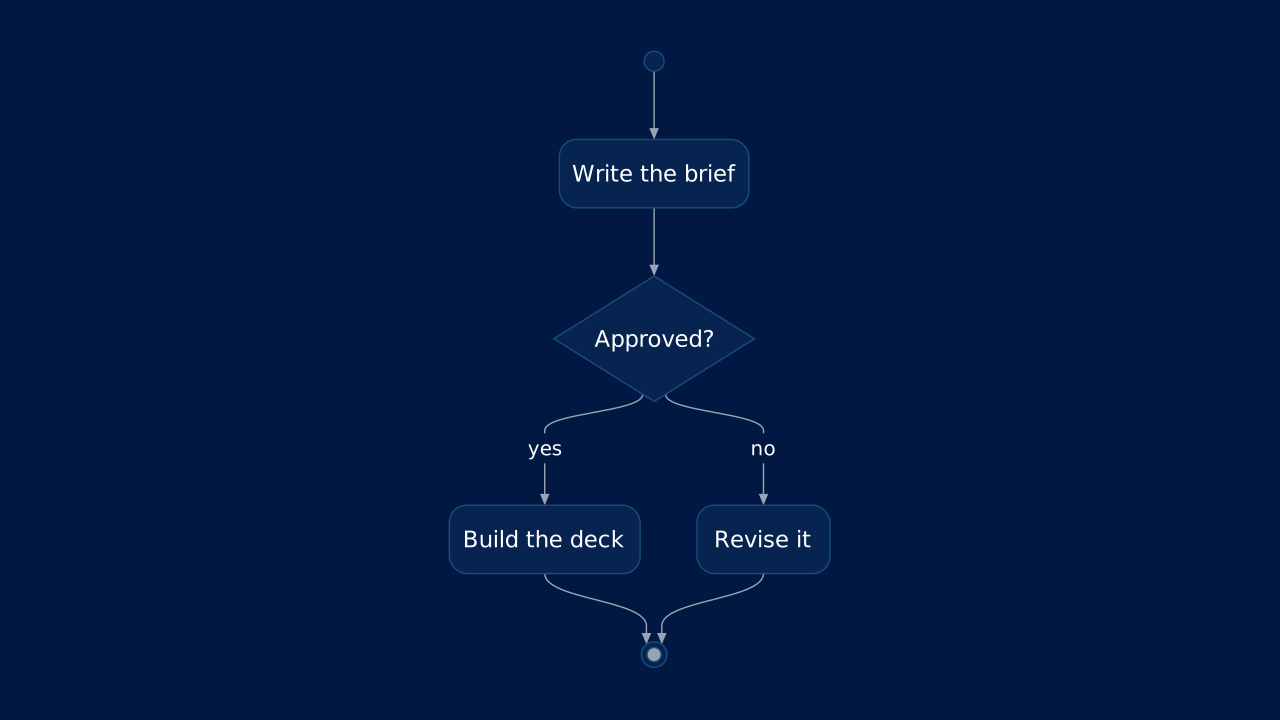
A brief is written and reviewed. Approval leads to building the deck; rejection leads to revision, then the activity stops.
Markdown
A plantuml fence carries PlantUML source; alt is its text alternative.OPF Markdown
# PlantUML Activity

```plantuml alt="A brief is written and reviewed. Approval leads to building the deck; rejection leads to revision, then the activity stops."
@startuml
start
:Write the brief;
if (Approved?) then (yes)
  :Build the deck;
else (no)
  :Revise it;
endif
stop
@enduml
```
Layouts That Take It
Give the slide one of these layouts to place the diagram in a region, or none to compose it automatically.
OPF Config
diagrams:plantuml-activityOPF JSON
{
  "$schema": "https://openpresentation.org/schema/opf/v1",
  "name": "PPTX.gallery — diagrams/plantuml-activity",
  "description": "Use the current PlantUML activity syntax to show actions, a decision and the paths to completion.",
  "tags": [
    "gallery:diagrams/plantuml-activity"
  ],
  "slides": [
    {
      "id": "gallery-preview-1",
      "layout": "chart",
      "title": "PlantUML Activity",
      "diagram": {
        "source": "@startuml\nstart\n:Write the brief;\nif (Approved?) then (yes)\n  :Build the deck;\nelse (no)\n  :Revise it;\nendif\nstop\n@enduml",
        "syntax": "plantuml",
        "alt": "A brief is written and reviewed. Approval leads to building the deck; rejection leads to revision, then the activity stops."
      }
    }
  ],
  "catalogs": {
    "default": {
      "source": "https://www.pptx.gallery",
      "layouts": {
        "chart": {
          "name": "Chart",
          "summary": "One to six charts, with an optional note.",
          "tags": [
            "Visuals"
          ],
          "direction": "column",
          "regions": [
            {
              "name": "title"
            },
            {
              "name": "charts",
              "accepts": [
                "chart",
                "group",
                "diagram"
              ],
              "role": "primary",
              "flow": "grid"
            },
            {
              "name": "note",
              "size": "auto",
              "accepts": [
                "text"
              ],
              "role": "supporting",
              "flow": "none"
            }
          ],
          "description": "Give a chart enough space to show its evidence. Use the title to state the conclusion and labels to explain the measures.",
          "preview": {
            "vectorSrc": "https://www.pptx.gallery/layout-previews/chart.svg"
          }
        }
      }
    }
  }
}
Open in visual editorOpen in Inspector
Load this config in the gallery's visual editor, or in the Inspector at pptx.dev.